
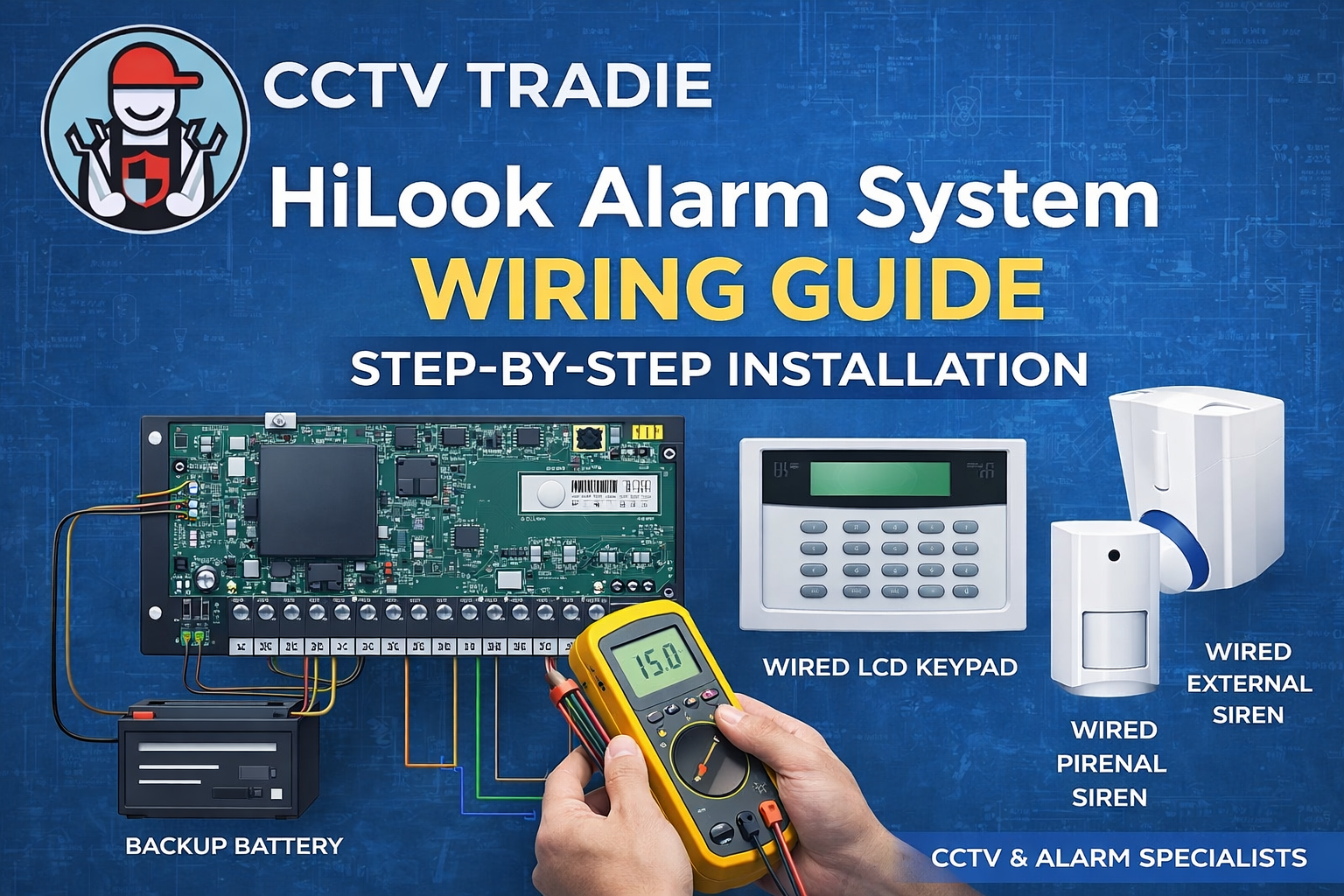
Security alarm systems remain one of the most effective ways to protect homes and businesses. The HiLook wired intrusion alarm system provides reliable, professional-grade protection while remaining affordable and installer-friendly.
Whether you are a DIY installer or a professional technician, understanding the basic wiring process will ensure your alarm system works correctly and reliably.
This guide explains how to wire a HiLook alarm system step by step, using common components such as the HA-ALARM-P48 control panel, PIR detectors, keypad, and siren.

What Components Are Used in a HiLook Alarm System?
Before wiring the system, it is important to understand the main devices involved.
HiLook Alarm System Products
Control Panel
-
HA-ALARM-P48 – HiLook alarm control panel (system brain)
User Interface
-
HA-ALARM-KP#AU – Wired LCD keypad
Motion Sensors
-
HA-ALARM-PIR1 – Wired 18m PIR motion detector
-
HA-ALARM-PIR2 – Wired dual-technology detector
Alarm Output
-
HA-ALARM-SIREN1 – Wired alarm sounder
Accessories
-
HA-ALARM-KF-WB – Wireless keyfob
-
HA-ALARM-BKT – Universal mounting bracket
-
HA-ALARM-KIT1 – Complete HiLook alarm kit
These components connect to the alarm panel using standard low-voltage security wiring.
HiLook Alarm System Wiring Overview

The HA-ALARM-P48 panel acts as the central hub for all sensors and devices.
Key connections include:
-
Power supply input
-
Backup battery
-
Zone inputs (Z1–Z8)
-
Keypad connection
-
Siren output
-
LAN port for remote control
According to the HiLook alarm hardware connection diagram, the panel also supports Hik-Connect remote management when connected to the LAN interface.
Additionally, a 2.2KΩ resistor should be installed on unused zones to maintain correct supervision.
Step-by-Step HiLook Alarm Wiring Guide
Step 1 – Install the Alarm Control Panel
Mount the HA-ALARM-P48 control panel inside a secure location such as:
-
Utility room
-
Garage
-
Electrical cupboard
Ensure:
-
Access to 240V power outlet
-
Space for 12V 7Ah backup battery
-
Easy cable routing to sensors
The system requires:
-
14.3–15 VDC, 2.5A power supply with battery
-
12–15 VDC, 2A without battery
Step 2 – Connect the Backup Battery
A 12V 7Ah sealed lead-acid battery provides backup power during outages.
Wiring:
-
Connect Red wire → Battery Positive (+)
-
Connect Black wire → Battery Negative (–)
This ensures the alarm system remains active if mains power fails.
Step 3 – Wire the LCD Keypad
The keypad allows users to:
-
Arm and disarm the system
-
View alerts
-
Configure settings
Typical keypad wiring uses four wires:
| Terminal | Function |
|---|---|
| 12V | Power |
| GND | Ground |
| D+ | Data |
| D- | Data |
Run the cable from the keypad to the panel keypad terminals.
Step 4 – Wire the PIR Motion Detectors
Motion detectors connect to the zone inputs on the control panel.
Example wiring for HA-ALARM-PIR1 or PIR2 detectors:
-
Connect Power + and – to AUX terminals
-
Connect Alarm relay to Zone (Z1–Z8)
-
Connect COM terminal
HiLook/Hikvision PIR sensors include on-board resistors, which should be configured using the internal jumper.
If zones remain unused, install a 2.2KΩ resistor across the zone terminals.
Step 5 – Install the Siren
The HA-ALARM-SIREN1 wired sounder alerts occupants and deters intruders.
Connections:
| Panel Terminal | Siren Terminal |
|---|---|
| BELL | Siren positive |
| COM | Siren negative |
Tamper wiring is optional, but it can be connected to a zone input for additional protection.
Both internal and external sirens can be installed for stronger alarm alerts.
Step 6 – Connect the Network (Optional)
For remote monitoring:
-
Connect Ethernet cable to LAN port
-
Connect router
-
Add the system to Hik-Connect app
This allows:
-
Mobile notifications
-
Remote arming/disarming
-
Alarm event monitoring
Step 7 – Power On and Test
Once wiring is complete:
-
Turn on power supply
-
Power up keypad
-
Enter installer mode
-
Configure zones
-
Test each sensor
Always verify:
-
PIR detection
-
Siren activation
-
Keypad communication
Simplified HiLook Alarm Wiring Layout
Typical wiring flow:
Alarm Panel → Keypad
Alarm Panel → PIR Detectors
Alarm Panel → Internal Siren
Alarm Panel → External Siren
Alarm Panel → Router (LAN)
Alarm Panel → Backup Battery
This creates a complete wired intrusion alarm system.

Why Choose a HiLook Alarm System?
HiLook alarms are a popular choice for installers because they offer:
Professional Reliability
Designed by Hikvision technology.
Affordable Security
High performance at a lower cost than premium systems.
Smart App Integration
Works with Hik-Connect mobile app for remote control.
Flexible Expansion
Supports multiple sensors, detectors, and automation outputs.
Ideal for Homes and Small Businesses
Perfect for residential properties, shops, offices, and warehouses.
Why Buy HiLook Alarm Systems from CCTV Tradie?

At CCTV Tradie, we supply genuine Australian-stock security systems backed by professional support.
Benefits of purchasing from us include:
-
Australian authorised security products
-
Competitive trade pricing
-
Fast shipping across Australia
-
Expert installer support
-
Wide range of alarm and CCTV solutions
Whether you're a DIY installer or professional technician, CCTV Tradie provides everything needed to build a reliable security system.
Frequently Asked Questions
Can I install a HiLook alarm system myself?
Yes. HiLook wired alarms are relatively installer-friendly, but basic electrical knowledge is recommended.
How many PIR detectors can the system support?
The HA-ALARM-P48 panel supports multiple zones, allowing several PIR sensors to be connected.
Do I need a backup battery?
Yes. A 12V 7Ah battery ensures the alarm continues operating during power outages.
Can I control the alarm from my phone?
Yes. Once connected to the internet, the system can be controlled using the Hik-Connect mobile app.
Can HiLook alarms integrate with CCTV?
Yes. HiLook alarms are commonly installed alongside HiLook or Hikvision CCTV systems for complete security coverage.
Final Thoughts
A properly wired HiLook alarm system provides reliable protection for homes and businesses. By following a structured wiring process—connecting the control panel, PIR detectors, keypad, siren, and power supply—you can create a professional security installation that protects your property 24/7.
If you are looking for HiLook alarm systems, sensors, and accessories in Australia, visit CCTV Tradie for the latest products and expert advice.


