
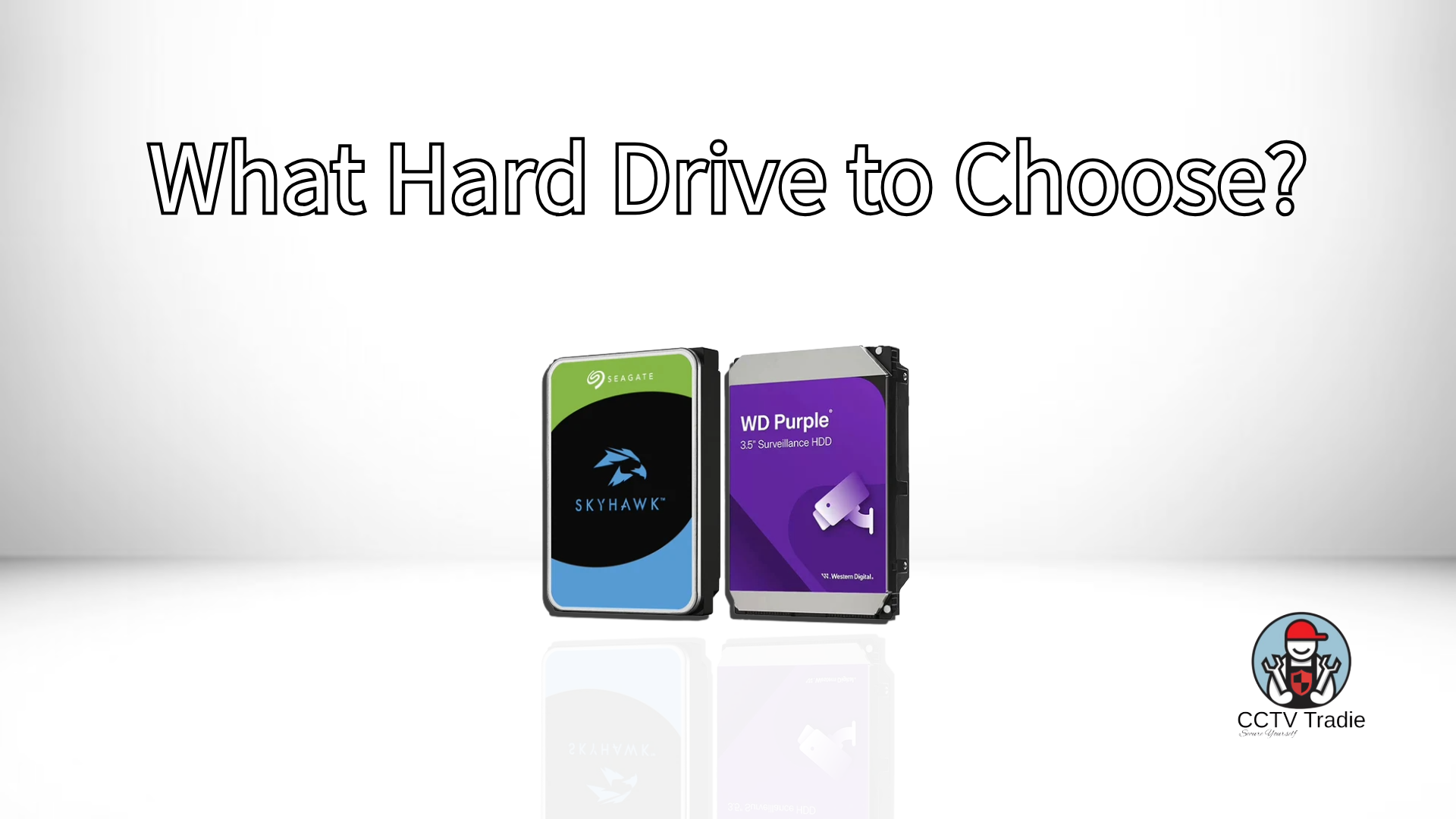
Choosing the right hard drive for your CCTV system is one of the most important decisions you’ll make when setting up surveillance. Cameras and NVRs often get the most attention — but without reliable storage, your system simply won’t perform when you need it most.
CCTV systems record continuously, often 24 hours a day, constantly writing and rewriting footage. This creates a workload that is completely different from a normal desktop computer. That’s why selecting the correct surveillance-grade hard drive is critical.
In this guide, we’ll explain:
-
Why surveillance hard drives are different
-
WD Purple vs Seagate SkyHawk
-
Standard vs Pro surveillance drives
-
What storage size you actually need
-
How long footage will last
-
When multiple drives or RAID is necessary
Why You Should Never Use a Normal Desktop Hard Drive
Standard desktop hard drives are designed for everyday computing tasks:
-
Opening files
-
Running software
-
Light daily read/write activity
They are not built for constant recording.
A CCTV system writes data continuously. Multiple camera streams, high bitrates, and constant overwriting put significant strain on a hard drive. Desktop drives often fail prematurely when used in NVRs.
Surveillance hard drives are engineered specifically for:
-
24/7 continuous recording
-
High write workloads
-
Multiple camera streams
-
Heat resistance inside NVR enclosures
-
Reduced frame drops
If your footage is important — and in security it always is — a surveillance-grade hard drive is essential.
The Two Major CCTV Hard Drive Brands
In Australia and globally, two major brands dominate the surveillance hard drive market:
WD Purple


The Western Digital Purple series is purpose-built for surveillance systems.
Key features:
-
24/7 operation support
-
AllFrame™ technology to reduce video frame loss
-
Optimised for multiple HD camera streams
-
3-year limited warranty (standard models)
WD Purple drives are designed to deliver consistent, stable video recording in residential and commercial CCTV systems.
Seagate SkyHawk

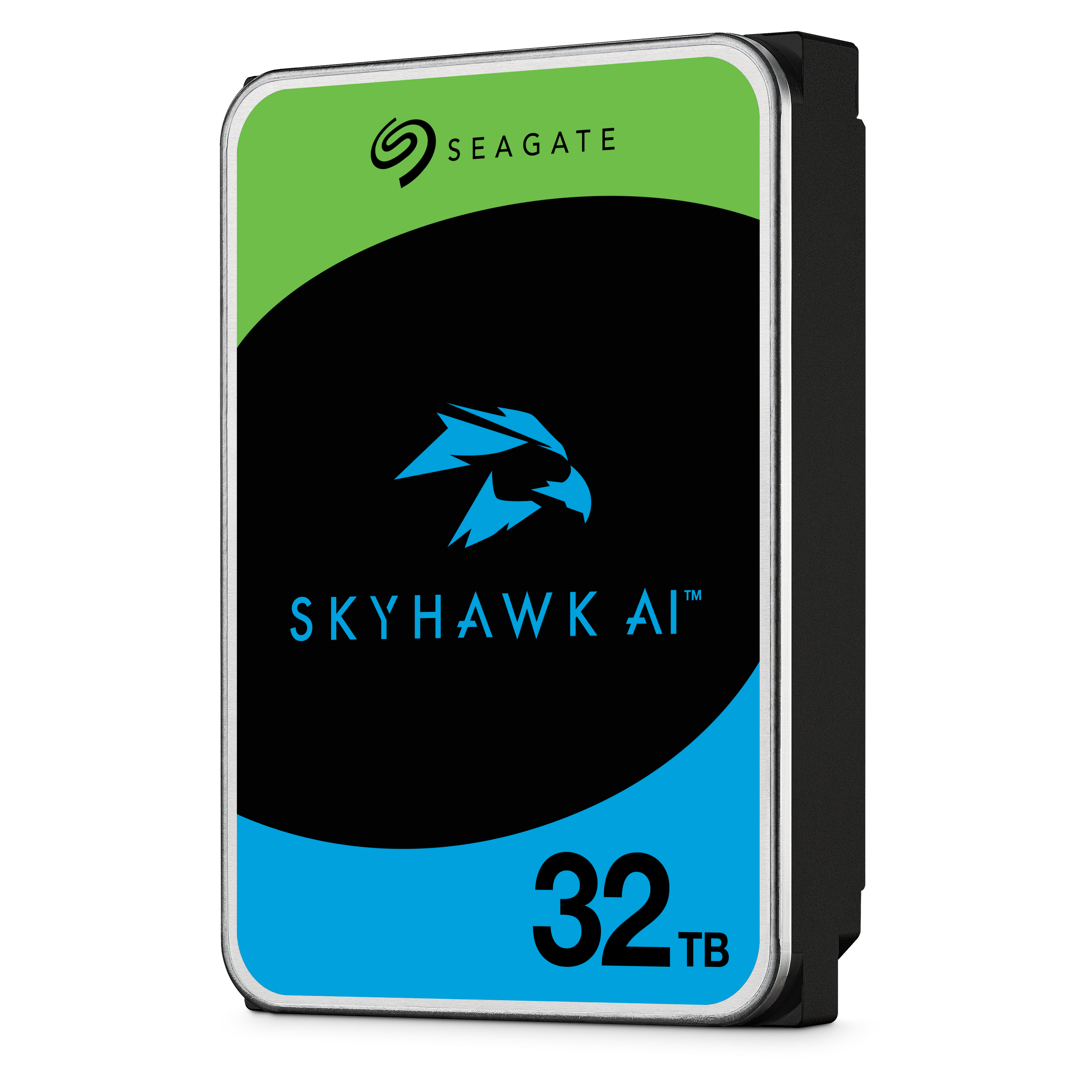

The Seagate Technology SkyHawk lineup is Seagate’s dedicated surveillance solution.
Features include:
-
24/7 continuous recording
-
ImagePerfect™ firmware for smoother video capture
-
High workload ratings
-
3-year limited warranty (standard models)
In real-world use, WD Purple and Seagate SkyHawk perform very similarly. Both are reliable, surveillance-optimised, and widely used in the security industry.
For most installations, either option is an excellent choice.
Standard vs Pro Surveillance Hard Drives
When browsing hard drives, you may see:
-
WD Purple
-
WD Purple Pro
-
SkyHawk
-
SkyHawk AI
So what’s the difference?
Standard Surveillance Drives
Designed for:
-
Residential homes
-
Small businesses
-
4–16 camera systems
-
Single-drive NVR setups
They handle continuous video recording reliably and are cost-effective. For most homes, this is all you need.
Warranty: Typically 3 years.
Pro / AI / Enterprise Surveillance Drives
Pro-level drives are designed for:
-
Large commercial deployments
-
High camera counts (32+)
-
AI-enabled NVRs
-
RAID environments
-
Multi-drive systems
They offer:
-
Higher workload ratings
-
Better vibration resistance
-
Extended warranties (often 5 years)
-
Improved performance in multi-bay systems
However, for most residential CCTV systems, Pro drives are unnecessary. A standard surveillance drive provides more than enough performance and reliability.
What Storage Capacity Should You Choose?
Common hard drive sizes available in Australia include:
-
2TB
-
3TB
-
4TB
-
6TB
-
8TB
-
10TB
-
12TB
-
14TB and above
Recommended for Homes (4 Cameras)
-
2TB → Basic coverage
-
4TB → Ideal minimum choice
-
6TB → Extended retention
The price difference between 2TB and 4TB is often small, making 4TB the practical starting point.
If you want longer recording history, upgrading to 6TB provides extra peace of mind.
How Long Will 6TB Last?
For a typical 4-camera system recording continuously at 4MP resolution, a 6TB drive can provide approximately one week or more of storage.
However, storage duration depends on:
-
Resolution (1080p, 4MP, 8MP)
-
Bitrate settings
-
Frame rate
-
Compression format (H.264 vs H.265)
-
Motion-only vs continuous recording
Motion Recording Makes a Big Difference
Most modern CCTV systems allow motion-only recording.
Instead of recording empty scenes continuously, the system only records when movement is detected. This significantly increases retention time and reduces unnecessary storage use.
Both WD and Seagate provide online storage calculator tools to estimate how long your footage will last based on your specific setup.
Do You Need Multiple Hard Drives or RAID?
Most residential NVRs support:
-
1 hard drive
-
Sometimes 2 hard drives
Commercial NVRs may support 4 or more drives and RAID configurations for redundancy.
For most homes, a single surveillance-grade hard drive is sufficient. RAID is generally unnecessary unless you are running a larger commercial system requiring redundancy.
Always check your NVR’s specifications for:
-
Maximum drive capacity
-
Number of supported drive bays
-
RAID compatibility

Final Recommendation
If you’re installing CCTV in a home or small business:
-
Choose a surveillance-grade hard drive
-
WD Purple or Seagate SkyHawk are both reliable options
-
4TB is a sensible minimum
-
6TB provides longer retention
-
Enable motion recording where possible
-
Pro drives are only necessary for larger commercial systems
Storage may not be the most exciting part of your CCTV setup — but it is the backbone of your system.
When something happens, your footage needs to be there.
Choose wisely.


