
You plug in a new camera, open a browser and type an IP address. Nothing. Or a login page appears and "admin / 12345" no longer works. Both problems trip up DIYers and new installers every day.
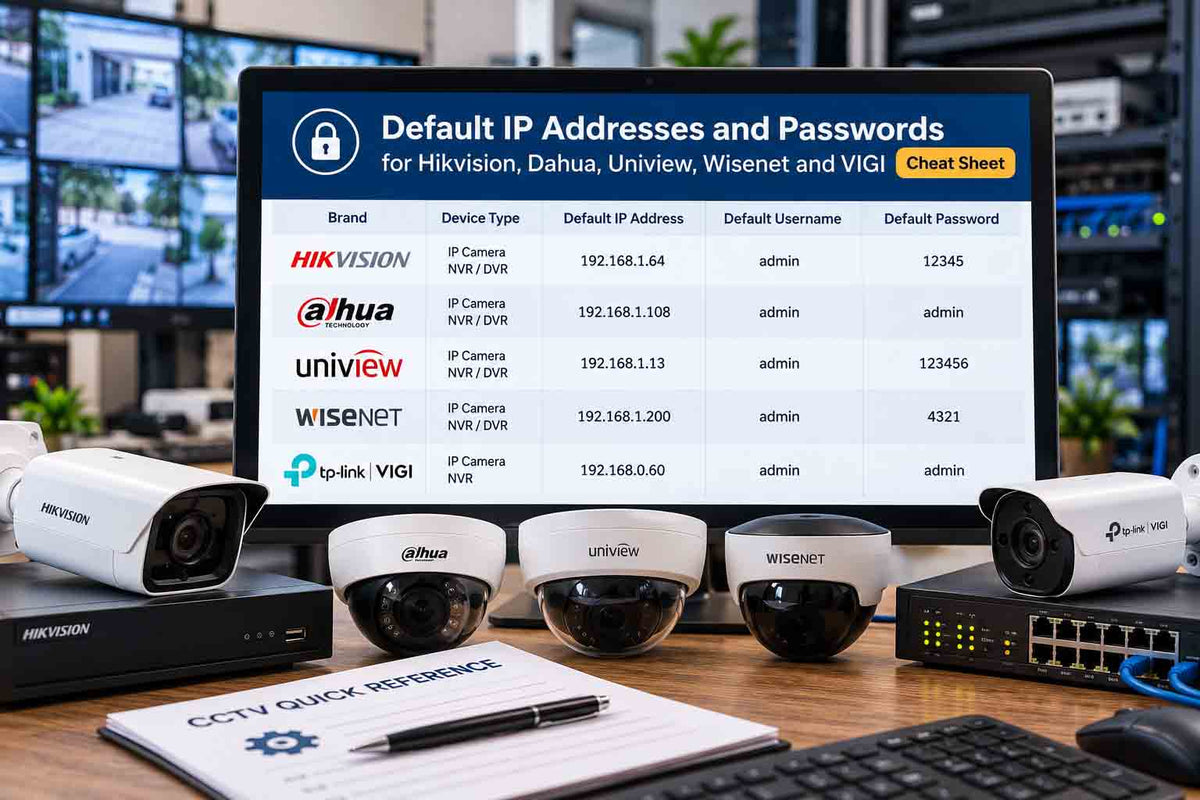
This cheat sheet lists the default IP addresses, usernames and first-login steps for the brands Australians install most. Print the one-page PDF and keep it in your toolbox or van.
TL;DR:
Hikvision and HiLook cameras default to 192.168.1.64, Dahua to 192.168.1.108 and Uniview to 192.168.1.13. Wisenet and TP-Link VIGI usually take an address from your router (DHCP). Modern firmware has no default password: you create one during activation. Old passwords like 12345 or admin only apply to very old firmware. Your computer must be on the same subnet to reach a factory default IP.

Default IP and login by brand
|
Brand |
Default IP |
Username |
Password on current firmware |
Older firmware (legacy only) |
|---|---|---|---|---|
|
Hikvision / HiLook |
192.168.1.64 |
admin |
Set during activation |
12345 (pre-2016 firmware) |
|
Dahua |
192.168.1.108 |
admin |
Set during initialisation |
admin |
|
Uniview / Uniarch |
192.168.1.13 |
admin |
Set on first login |
123456 |
|
Hanwha Wisenet |
DHCP (fallback varies by model) |
admin |
Set on first login |
4321 (older Samsung models) |
|
TP-Link VIGI |
DHCP (fallback varies by model) |
admin |
Set on first login |
N/A |
|
EZVIZ |
DHCP |
N/A (app account) |
Verification code on device label |
N/A |
Legacy defaults are listed only so you can recognise very old equipment. If a camera accepts a legacy password, change it immediately.
Common ports
|
Port |
Used for |
|---|---|
|
80 / 443 |
Web interface (HTTP / HTTPS) |
|
554 |
RTSP video streaming |
|
8000 |
Hikvision SDK / client software |
|
37777 |
Dahua TCP client software |
Do not forward these ports on your router. Use the manufacturer's app (Hik-Connect, DMSS) or a VPN for remote access.
Why "admin / 12345" stopped working
Around 2016, Hikvision moved to an activation process: new devices ship without a password and you must create a strong one before first use. Dahua, Uniview and others followed with similar initialisation steps. This closed the gap that let botnets take over thousands of cameras with known default passwords.
So if you are searching for the default password of a camera bought in the last eight years or so, there isn't one. You either set it yourself, or someone else did.
How to reach a camera on its default IP
-
Connect the camera to your PoE switch or NVR, and connect your laptop to the same network.
-
Set your laptop to a fixed IP on the same subnet, for example 192.168.1.10 with subnet mask 255.255.255.0 (for Hikvision or Dahua).
-
Open a browser and type the camera's default IP.
-
Follow the activation or initialisation prompts and create a strong password.
-
Change the camera's IP to suit your network, then set your laptop back to automatic.
If you install many cameras, the manufacturer's device discovery software will find every camera on the network regardless of its IP, which is faster than changing laptop settings.
Forgot the password?
Do not keep guessing; some cameras lock out after repeated attempts. Follow the brand's official reset process instead. Our step-by-step guides cover resetting a Hikvision camera and setting up a Hikvision NVR for the first time. Resets may require proof of ownership, which protects you as much as anyone.
Password security checklist
-
Use a unique password of at least 12 characters with letters, numbers and symbols.
-
Create separate user accounts for family or staff instead of sharing admin.
-
Update camera and NVR firmware.
-
Turn off UPnP on the router and NVR.
-
Never expose cameras directly to the internet through port forwarding.
For the full list, read our can security cameras be hacked checklist.
What's in the free cheat sheet
-
One printable page with default IPs, usernames, activation notes and ports for six brands
-
Laptop subnet settings for each default IP
-
A quick security checklist for handover
-
Space to record site details (keep it secure, not on the NVR)
Free IP Camera Default Login Cheat Sheet
Need a quick reference for CCTV camera setup? Download our free default IP address and password cheat sheet to help with initial camera configuration, troubleshooting and network setup.
↓ Download Free Cheat Sheet (PDF)Free PDF • Quick reference guide • No sign-up required
Frequently asked questions
What is the default password for a Hikvision camera?
Current Hikvision cameras have no default password. You create one during activation. Very old firmware used admin / 12345, which should be changed immediately if it still works.
What is Hikvision's default IP address?
192.168.1.64. Your computer must be on the 192.168.1.x subnet to reach it.
What is Dahua's default IP and password?
The default IP is 192.168.1.108 and the username is admin. Current Dahua devices ask you to set a password during initialisation.
Why can't I find my camera on 192.168.1.64?
The camera may already have a different IP, use DHCP, or your laptop may be on another subnet. Use the manufacturer's discovery tool or check your router's connected device list.
Is it safe to publish default passwords?
Yes, these are public manufacturer defaults. The risk is leaving them unchanged, which is why modern devices force you to set your own.
Keep the cheat sheet handy
Print it, stick it in the toolbox and set strong passwords on every install. If you are building a new system, our CCTV kits arrive ready to activate.


