
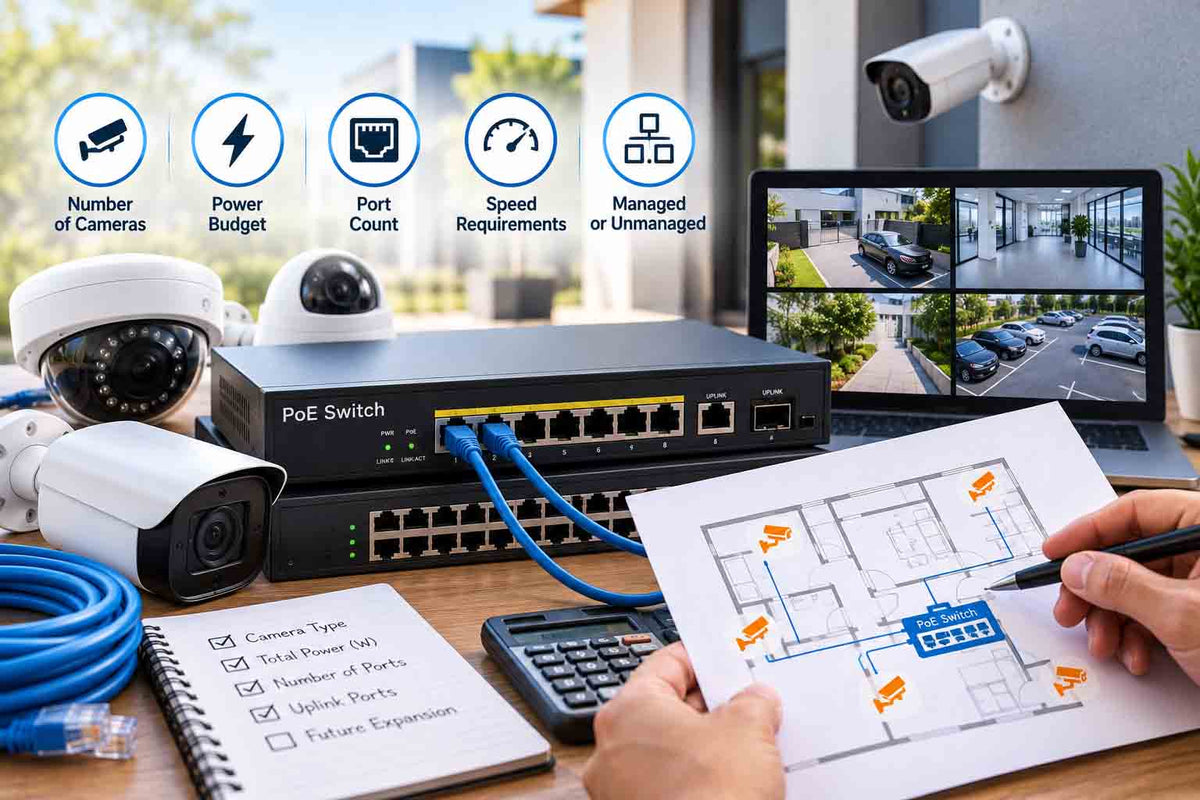
How to Choose a PoE Switch for Your CCTV System
You have bought eight PoE cameras, plugged them into a cheap switch, and three of them keep rebooting at night. Nine times out of ten the problem is not the cameras. It is the PoE switch running out of power the moment infrared switches on after dark.
Picking the right PoE switch comes down to three numbers: ports, power budget and cable distance. This guide shows you how to work them out for your system.
TL;DR:
Count your cameras and add 20 to 30% spare ports. Add up each camera's maximum power draw (with IR or lights on) and choose a switch whose total PoE budget exceeds it by at least 25%. Standard cameras run on PoE (802.3af); PTZs and heated cameras often need PoE+ (802.3at) or higher. Unmanaged switches suit most homes; managed switches suit businesses that want VLANs and remote monitoring.
PoE standards in one table
|
Standard |
Common name |
Max per port (at switch) |
Available at device |
Typical CCTV use |
|---|---|---|---|---|
|
IEEE 802.3af |
PoE |
15.4W |
12.95W |
Turrets, domes, bullets |
|
IEEE 802.3at |
PoE+ |
30W |
25.5W |
Cameras with strong lights, small PTZs |
|
IEEE 802.3bt Type 3 |
PoE++ |
60W |
51W |
Larger PTZs |
|
IEEE 802.3bt Type 4 |
Hi-PoE |
90W |
71.3W |
Heated PTZs, multi-sensor cameras |
Step 1: count ports
One camera needs one port. Add an uplink port to connect the switch to your NVR or router, and leave spare ports for later. Homes almost always add cameras after the first install.
|
Cameras now |
Suggested switch size |
|---|---|
|
1 to 3 |
4-port PoE + uplink |
|
4 to 6 |
8-port PoE + uplink |
|
7 to 14 |
16-port PoE + uplinks |
|
15 to 22 |
24-port PoE + uplinks |
Tip: many NVRs already have built-in PoE ports. A separate switch makes sense when cameras are far from the recorder, when you have more cameras than NVR ports, or when you want cameras on a business network.
Step 2: calculate the power budget
This is where most systems go wrong. A camera's power draw doubles at night when IR LEDs or white lights switch on, so always use the maximum figure from the datasheet.
|
Device |
Typical max draw |
|---|---|
|
6MP to 8MP turret or dome (IR) |
6 to 10W |
|
Full-colour camera with warm light |
8 to 12W |
|
Active deterrence camera (strobe + siren) |
10 to 15W |
|
Mini PTZ |
15 to 25W |
|
Large IR PTZ |
30 to 60W+ |
|
PoE intercom door station |
5 to 13W |
Worked example: a home with six 8MP turrets at 9W each, one TiOC deterrence camera at 13W and one door station at 10W.
PoE Switch Power Budget Calculation
Includes a 25% allowance for additional power capacity.
An 8-port switch with a 120W budget gives comfortable headroom. A cheap 8-port switch with a 65W budget would cause exactly the night-time reboots described above.
Step 3: check cable distance
Standard Ethernet runs up to 100 metres per cable. Many CCTV switches offer an "extend" mode reaching around 250 metres by dropping the data rate to 10 Mbps, which still carries one camera stream. For longer runs to gates or sheds, use a fibre media converter or a PoE extender.
Managed vs unmanaged PoE switch
|
Feature |
Unmanaged |
Smart / managed |
|---|---|---|
|
Setup |
Plug and play |
Needs configuration |
|
VLANs (separate camera network) |
No |
Yes |
|
Per-port power control and reboot |
Limited |
Yes, remotely |
|
Monitoring and alerts |
No |
Yes |
|
Best for |
Homes, small systems |
Businesses, multi-site, IT-managed networks |
Around 320 Australians a month search "managed vs unmanaged switch", and the answer for most homes is simple: unmanaged is fine. Businesses benefit from managed switches because cameras can live on their own VLAN, away from staff computers, and a frozen camera can be power-cycled remotely. TP-Link Omada and VIGI switches are good examples that can be managed from the cloud.
Australian conditions: heat and surges
Roof spaces in Brisbane, Perth and western Sydney can pass 50°C in summer. Never mount a switch in the roof cavity. Put it in a ventilated cupboard or a network cabinet with airflow. Fanless switches are quieter for homes but rely on good ventilation.
Lightning is the other risk, particularly in Queensland and the NT. For long outdoor cable runs, fit surge protection and make sure the switch is earthed if it has an earth point. Connect the switch and NVR to a UPS so cameras keep recording through blackouts.
Common PoE switch mistakes
-
Reading the port count, not the budget. "8-port PoE" says nothing about total power.
-
Mixing a PoE+ PTZ onto an af-only port. It may power up and then fail when the motor moves.
-
Using a home router port as an uplink for a large system. Busy uplinks drop frames; use a gigabit uplink.
-
No spare ports. Adding one camera should not mean replacing the switch.
Frequently asked questions
What size PoE switch do I need for 8 cameras?
A 10-port or larger switch with at least 8 PoE ports and around 100 to 120W of PoE budget, depending on camera draw. Leave room for an uplink and future cameras.
Do I need a PoE switch if my NVR has PoE ports?
Not usually. A switch helps when you have more cameras than NVR ports, cameras are far from the recorder, or you want them on a business network.
Is PoE or PoE+ better for security cameras?
Standard PoE powers most fixed cameras. PoE+ is needed for many PTZs, cameras with strong white lights, and some intercoms. Check the datasheet's maximum draw.
How far can a PoE camera be from the switch?
Up to 100 metres on Cat6 at full speed. Extend mode on many CCTV switches reaches about 250 metres at reduced speed. Beyond that, use fibre or an extender.
Can a PoE switch damage a non-PoE device?
No. Standards-based PoE switches detect whether a device needs power before supplying it. Avoid cheap passive PoE injectors, which do not negotiate.
Get the right switch first time
Count the ports, size the power budget with 25% headroom, and keep cable runs under 100 metres. Do that and your cameras will stay online through the coldest, darkest night.
Browse our PoE switches or see our network cables and connectors guide before you start cabling.


