
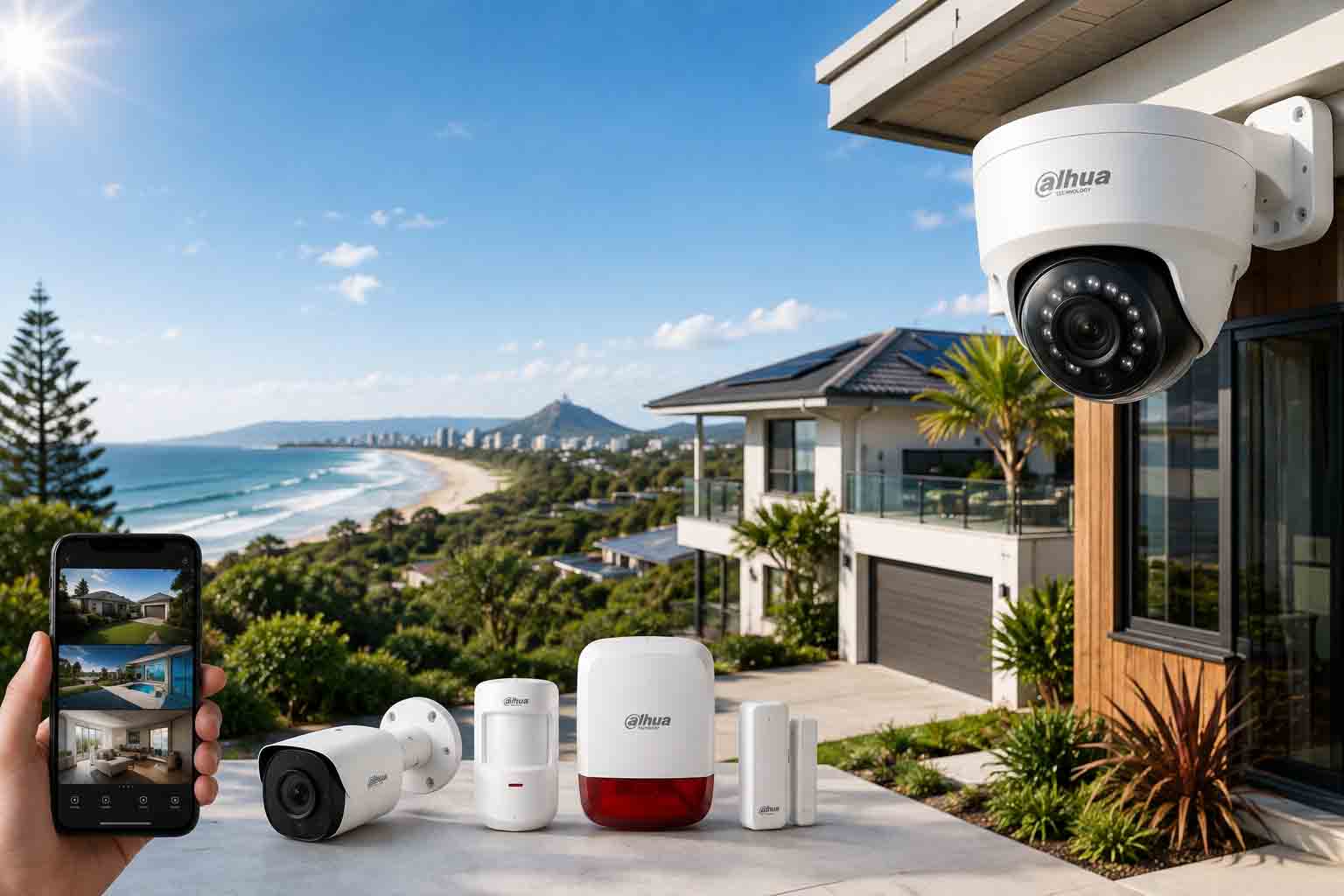
Between the beachfront apartments of Mooloolaba, the acreage properties scattered through the hinterland around Maleny, and the growing retail strips in Maroochydore and Caloundra, the Sunshine Coast covers a lot of different property types. What works for a canal-front holiday home doesn't necessarily work for a produce shed at the back of a hinterland property.
If you're researching security cameras Sunshine Coast retailers stock, the sheer number of options can make it hard to know where to start. This guide walks through what actually matters for this region, from humidity and salt exposure to storm season reliability, so you can choose a cctv Sunshine Coast system that holds up rather than one that looks good in the box and fails within a year.
We'll go through camera specs worth prioritising, storage choices, where to mount cameras on coastal and hinterland properties, and answer the questions we hear most from local buyers.
|
TL;DR
|
What Makes the Sunshine Coast Different
Humidity is the first thing to plan around. Sunshine Coast summers regularly sit above 26 degrees with heavy moisture in the air, and that combination is tough on cheaper camera housings. Seals that aren't properly rated can let moisture in over a wet season or two, fogging up the lens or corroding internal components. It's a slow failure too, you might not notice until footage starts looking hazy right when you need it clearest.
Storm season adds another layer. Between November and April, the region sees regular tropical downpours and the occasional cyclone system tracking close enough to cause damage. Cameras and NVRs benefit from surge protection, and if you're in a storm-prone pocket like the northern beaches around Coolum, a battery backup for your NVR means you're not left blind during a power outage right when break-in risk is highest.
The property mix here is unusually varied for a regional area. Beachfront units in Mooloolaba and Alexandra Headland have different risks (parcel theft, short-stay guest turnover) than the acreage blocks around Maleny and Montville, where perimeter coverage and shed security matter more than doorbell footage.
Shop Dahua IP CCTV Kits
Explore complete Dahua IP CCTV kits for homes, shops, offices, warehouses, and commercial properties, including IP cameras, NVR bundles, smart detection, and reliable surveillance coverage.
View Dahua KitsCamera Resolution for Coastal and Hinterland Properties
For standard suburban blocks in areas like Buderim or Nambour, 6MP cameras cover driveways and entry points with reasonable detail, but 8MP is what we recommend as the standard these days, since it holds up far better once you crop into footage after an incident. For larger hinterland properties with long driveways or multiple outbuildings, 8MP cameras paired with a wider field of view let you cover more ground without losing the detail needed to actually be useful as evidence.
Short-stay and holiday rental owners along the coast, a big part of the local property market, often ask about number plate capture at the driveway entrance to manage unauthorised guests or vehicle disputes. That's a job for a dedicated 2MP or 4MP plate camera rather than your main overview camera. Mount it low, between 0.5 and 2 metres off the ground, angled close to head-on with the driveway rather than side-on, and positioned 3 to 8 metres from where vehicles slow down at the entrance. A wide-angle 8MP camera covering the whole driveway simply won't render a plate legibly no matter how high the resolution.
|
Property Type |
Recommended Resolution |
Priority Coverage Areas |
|---|---|---|
|
Beachfront unit/townhouse |
6-8MP |
Entry door, car park, parcel area |
|
Standard suburban home |
6-8MP |
Driveway, front door, side access |
|
Hinterland acreage/farmhouse |
8MP |
Perimeter, sheds, main driveway |
|
Retail or hospitality venue |
8MP |
Entry/exit, till area, loading dock |
Wired vs Wireless in a Humid Climate
PoE cameras tend to be the more dependable choice on the Sunshine Coast, mainly because the cabling and connectors used in quality kits are built to handle constant humidity better than the plastic housings on cheap wireless units. They're also unaffected by the Wi-Fi congestion you get in denser beachside apartment blocks where dozens of networks overlap.
That said, wireless cameras still suit renters, holiday letting operators who need a quick, non-invasive setup between guest stays, or anyone monitoring a shed or gate too far from existing cabling to make wiring practical.
Storage Choices That Suit Storm Season
Local NVR storage keeps footage on-site without ongoing fees, which most homeowners and small hinterland farms prefer. The trade-off is that if a storm knocks out power for an extended period, you lose recording unless the NVR has battery backup.
Cloud storage adds resilience during outages and suits holiday rental operators managing multiple properties who need to check footage remotely without physically returning to the site. A hybrid setup, local NVR plus cloud backup on key cameras, is increasingly common for Sunshine Coast businesses that can't afford a gap in coverage.
Placement Tips for Local Properties
-
Mount coastal-facing cameras under eaves where possible to reduce direct salt spray and sun exposure
-
Cover carports and under-house storage areas, common targets in Queenslander-style homes built on stumps
-
For hinterland properties, prioritise the main gate or cattle grid entry point before covering the house itself
-
Angle cameras to avoid glare from harsh midday sun, a common issue given the region's clear skies
Mistakes Local Buyers Often Make
Buying a cheap outdoor camera without checking its IP rating is the most common one we see. A camera rated IP44 might survive a Melbourne winter, but it won't last through a Sunshine Coast wet season pressed against a north-facing wall.
Another frequent issue is underestimating how much of a hinterland property needs covering. Buyers often start with a two-camera kit aimed at the front door, then realise the shed, machinery, or livestock area was the actual target after an incident.
Finally, holiday rental owners sometimes install cameras in spots that breach guest privacy, such as covering the pool or entertaining area rather than just entry points and communal driveways. Getting this wrong can create legal and platform compliance issues, so stick to entrances and shared access areas only.
Frequently Asked Questions
What IP rating should Sunshine Coast outdoor cameras have?
IP66 is the practical minimum for coastal and hinterland properties here. It protects against heavy rain, dust, and moisture ingress, which matters given the region's humidity and storm season.
Can I install cameras myself on a Queenslander-style home?
Yes, though the elevated design and timber cladding on many Queenslanders means cable runs need a bit more planning than a standard brick home. A local installer can usually run cable through the subfloor space without major disruption.
Do security cameras help with holiday rental management?
Exterior cameras covering entry points and driveways can help resolve disputes about unauthorised guests or vehicle access, provided they don't capture private outdoor areas like pools or patios covered by short-stay platform privacy rules.
How do I protect my cameras during cyclone season?
Use surge-protected power boards for your NVR, choose cameras with a secure IP66+ mount rather than adhesive brackets, and consider a battery backup for the recorder so you're not left without footage during a power outage.
Is 4G or satellite camera monitoring an option for hinterland properties?
Yes, for rural properties around Maleny or Kenilworth without reliable NBN, 4G-enabled NVR systems let you get remote alerts and footage access without relying on fixed-line internet.
What resolution do I need for number plate capture?
A dedicated 2MP or 4MP camera is usually enough, provided it's mounted low and angled close to head-on with the vehicle's path within 3 to 8 metres of where it slows down. Installation position matters more than resolution for this specific task.
Final Thoughts
The Sunshine Coast's climate and property mix mean a one-size-fits-all camera kit rarely works well long term. Prioritise weather-rated housings, match resolution to the size of the area you're covering, and think about storm resilience before you buy, not after the first outage.
Ready to compare systems built for Queensland conditions? Browse our range of security camera systems, check out weatherproof PoE camera options, or add an alarm system for extra coverage across a larger property.


