
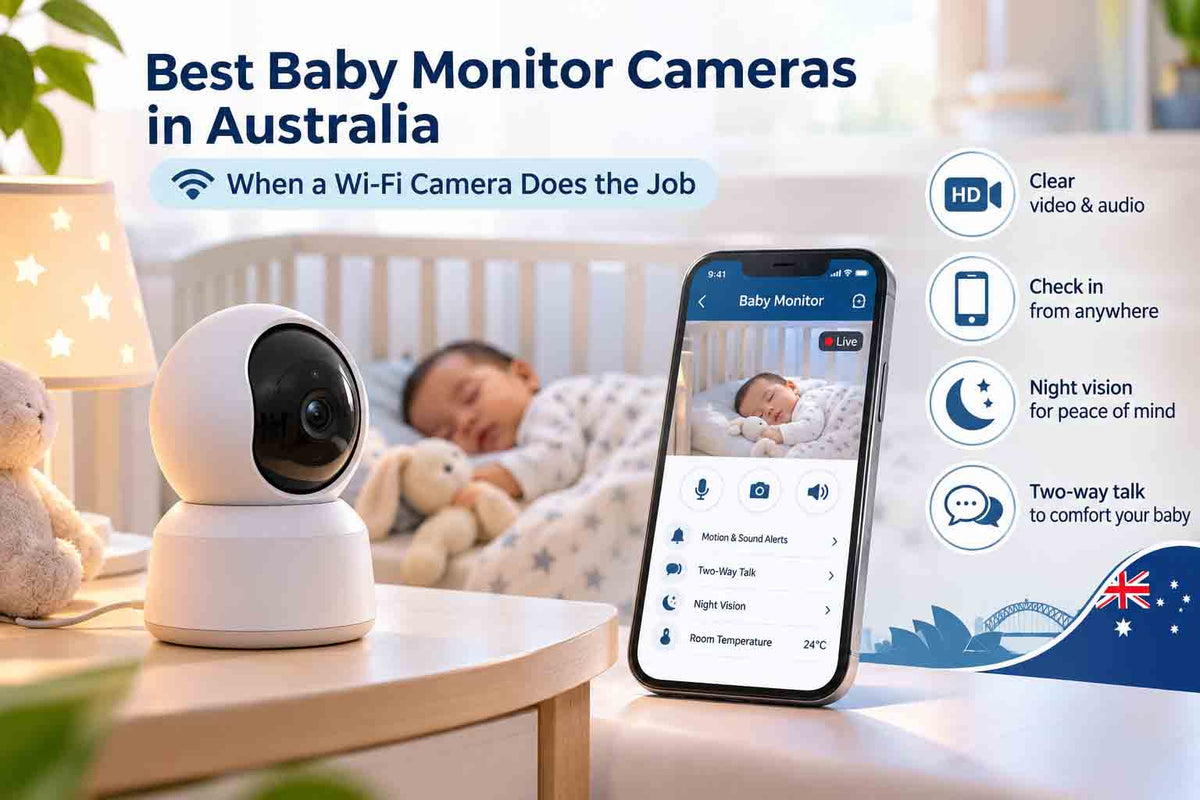
New parents spend a lot of money on baby gear, and the baby monitor aisle is one of the most confusing. Dedicated parent units, app-only cameras, breathing sensor mats, monthly subscriptions. It's hard to know what you actually need at 3am when you just want to see whether the baby has settled.
Here's something many parents don't realise: a good indoor Wi-Fi camera can do most of what a baby monitor does, often with better video and no ongoing fees. This guide compares dedicated baby monitors with smart home cameras, explains which features matter, and covers the safety and privacy setup that matters far more than the brand.
TL;DR
- A quality indoor Wi-Fi camera gives sharp video, night vision, two-way audio and cry alerts, and keeps working as a home camera when the kids grow up.
- A dedicated monitor with a parent unit suits families who don't want to rely on phones or Wi-Fi.
- Neither is a medical device. Cameras don't monitor breathing and never replace safe sleep practices.
- Safety first: mount the camera on the wall, with cords well out of reach of the cot.
- Privacy: use a strong password and two-factor login. A nursery camera must never be easy to access.
Dedicated baby monitor vs Wi-Fi camera
| Dedicated baby monitor | Indoor Wi-Fi camera | |
|---|---|---|
| Parent screen | Included | Uses your phone or tablet |
| Works without Wi-Fi | Many do (direct link) | No, needs Wi-Fi for remote viewing |
| Video quality | Often 720p to 1080p | Often 2K or higher |
| Pan-tilt | Some models | Common |
| Range | Limited to the house | Anywhere with internet |
| Cry and motion alerts | Yes | Yes, on many models |
| Long-term use | Ends up in a drawer | Becomes a home or pet camera |
| Subscription | Some app-based monitors | Optional with local storage |
If you want a standalone screen on the bedside table that works even when the internet drops, a dedicated monitor is simpler. If you'd rather check from your phone anywhere, including at work while the grandparents babysit, a Wi-Fi camera wins.
Features that matter for a baby camera
- Clear night vision. Infrared that shows the baby clearly without lighting up the room.
- Sound and cry detection. An alert when the baby cries, even if the app is closed.
- Two-way audio. So you can say "shh" without walking in and waking them fully.
- Pan and tilt. Follow a toddler who's started climbing out of bed.
- Local microSD storage. No subscription needed to review last night.
- Privacy mode. Turn the camera off during the day or when you're in the room.
- Temperature reading, on some models, which helps in an Australian summer.
Our EZVIZ camera range includes pan-tilt indoor cameras with night vision, two-way talk and sound alerts that suit a nursery well. For a full breakdown of indoor options, see our best indoor security cameras guide.
Safe setup: this matters more than the brand
The most important baby monitor decision isn't the model. It's where you put it.
- Mount it on the wall, not on the cot or the cot rail.
- Keep cords well away from the cot, at least a metre, and secure them so a child can't pull them in. Product safety guidance from the ACCC's Product Safety Australia warns about cord strangulation risks with nursery products.
- Angle it from above so you can see the whole cot and the baby's face.
- Don't place anything in the cot to hold or support the camera.
A camera is a convenience, not a safety device. It doesn't monitor breathing and doesn't replace safe sleep practices. Red Nose Australia has clear, free guidance on safe sleeping for babies, and it's worth reading alongside any monitor setup.
Wi-Fi and reliability
If you're using a Wi-Fi camera as a baby monitor, the Wi-Fi has to be solid. Nurseries are often at the far end of the house. If the signal is weak, the feed lags or drops just when you need it. A mesh system such as TP-Link Deco fixes patchy coverage and keeps the camera connected.
Keep the phone app's notifications set to high priority, and turn off battery optimisation for the camera app so cry alerts aren't delayed.
Privacy: lock it down
A nursery camera is the one device in the home you absolutely don't want anyone else seeing. Before you use it:
- Change the default password to a long, unique one.
- Turn on two-factor authentication in the app.
- Only share access with people who need it, and remove access when they don't.
- Keep the camera firmware updated.
- Use privacy mode or unplug it when you don't need it.
If you want to compare apps before buying, our guide to CCTV brands and their mobile apps shows what each app looks like.
One small extra: the doorbell
Every parent knows the courier who rings the bell the minute the baby finally falls asleep. A video doorbell lets you mute the chime, answer from your phone and ask them to leave the parcel quietly. Small change, big difference.
FAQ
Can I use a security camera as a baby monitor?
Yes. A quality indoor Wi-Fi camera with night vision, sound alerts and two-way audio works well as a baby monitor, as long as it's mounted safely and secured properly.
What is the best baby monitor in Australia?
It depends on your needs. A dedicated monitor suits families who want a standalone screen. A Wi-Fi camera suits parents who want to check from their phone anywhere and use it as a home camera later.
Do baby monitor cameras need Wi-Fi?
Wi-Fi cameras do. Many dedicated monitors use a direct connection between camera and parent unit, so they work without Wi-Fi.
Can baby monitors be hacked?
Any connected camera can be at risk if it uses a weak password. Use a strong password, two-factor login and keep firmware updated.
Where should I put a baby monitor camera?
On the wall, angled down over the cot, with all cords at least a metre away and secured out of reach.
The bottom line
For many families, a quality indoor Wi-Fi camera is a better baby monitor than a dedicated unit, and it keeps working long after the nursery years. Mount it safely, lock down the app and fix your Wi-Fi first. Browse our indoor-friendly EZVIZ cameras or ask the team which model suits your nursery.


