
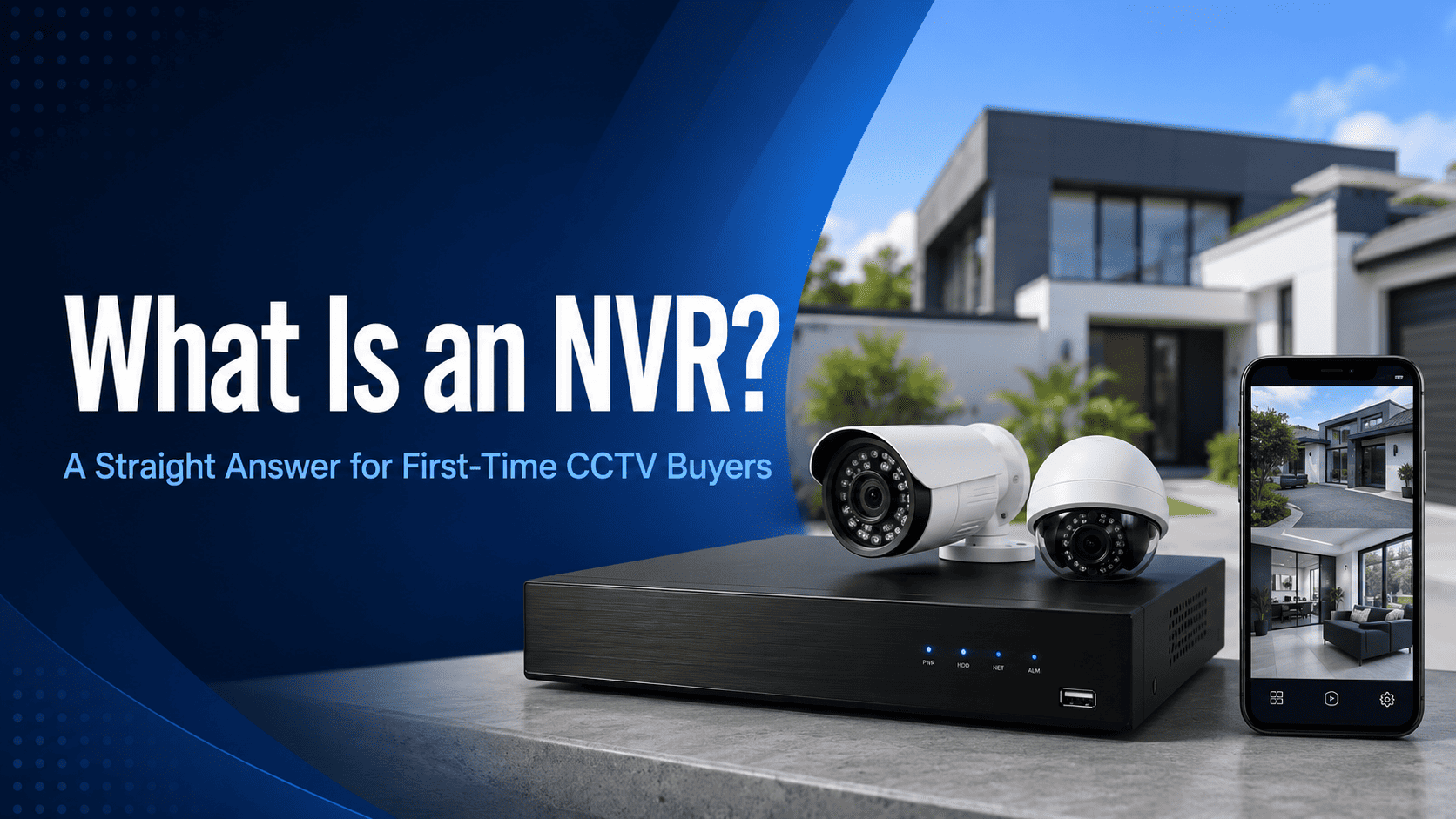
Scroll through any CCTV kit listing and you will hit the term NVR within the first line, usually followed by a channel count like 4-Channel NVR or 8-Channel NVR. If nobody has ever explained what that box actually does, the rest of the listing is close to meaningless.
Here is the plain answer, along with what actually matters when you are choosing one for your own home or business.
|
TL;DR An NVR, or network video recorder, is the box that receives video from your IP cameras over the network, records it to a hard drive, and lets you view it live or play it back. Channel count sets how many cameras it can run, PoE ports (if it has them) power those cameras through the same cable, and drive size sets how many days of footage you can store. |
What an NVR actually does
Think of the NVR as the brain of the system. Each camera captures and compresses its own footage, then sends that digital video stream across a network cable to the NVR. The NVR pulls all those streams together, writes them to its internal hard drive, and gives you one interface, on a monitor, a phone app, or both, to watch everything live or scrub back through recorded footage.
Most modern NVRs also run the smart detection layer. Features like person and vehicle detection, line crossing alerts, and facial recognition on higher-end models are usually processed on the NVR itself rather than in each individual camera, which is why the NVR you choose affects what your whole system can do, not just how much it can store.
NVR vs DVR: what is the actual difference
This trips up more people than it should, mostly because both boxes look near identical sitting in a cupboard.
|
NVR (network video recorder) |
DVR (digital video recorder) |
|
|---|---|---|
|
Camera type |
IP cameras |
Analog cameras (HD-CVI, TVI, AHD) |
|
Cabling |
Ethernet / PoE cable, single cable for power and data |
Coax cable for video, separate power cable per camera |
|
Typical resolution ceiling |
Higher, commonly 4MP to 8MP and beyond |
Lower, commonly capped around 2MP to 5MP depending on standard |
|
Smart detection |
Usually stronger AI features |
More basic motion detection |
|
Best for |
New installs, upgrades wanting AI features |
Cheap upgrades to an existing analog cable run |
If you are starting from scratch, an NVR-based IP system is almost always the better long-term buy. A DVR only makes sense if you are reusing analog coax cabling already run through a property and do not want to repull cable.
Shop Network Video Recorders
Complete your CCTV system with a reliable NVR for IP camera recording, remote viewing, storage management, and 24/7 surveillance footage retention.
Channels explained
The channel count is simply the maximum number of cameras the NVR can run. A 4-channel NVR takes up to 4 cameras, an 8-channel takes up to 8, and so on up through 16, 32, and 64-channel units for larger commercial sites.
A common installer habit worth copying: buy one channel more than your current camera count. Adding a camera down the track to cover a blind spot is cheap. Replacing an NVR because you are one channel short is not.
PoE NVR vs non-PoE NVR
Some NVRs have built-in PoE ports, meaning each camera plugs straight into the back of the NVR and gets both power and data down that one cable. Others are non-PoE, which means your cameras need a separate PoE switch or individual power injectors.
For most home and small business installs, a built-in PoE NVR is simpler to wire and cheaper overall, since you are not paying for a separate switch. Larger sites with camera runs spread across a bigger footprint sometimes need a PoE switch anyway to manage cable distances, in which case a non-PoE NVR paired with a proper switch can work out more flexible.
Storage and drive choice
The hard drive inside the NVR is not a standard desktop drive. Surveillance-rated drives, like the WD Purple or Seagate SkyHawk ranges, are built to write continuously around the clock without the same failure rate a regular drive would have under that workload.
How many days of footage you can store depends on drive size, camera resolution, number of cameras, and whether you are recording continuously or only on motion. Motion-only recording stretches storage a long way further than continuous recording, which is worth discussing before you assume you need a bigger drive than you actually do.
If you want to work out exact storage days for your setup, our CCTV storage calculator guide walks through the maths for 7, 14, and 30-day retention.
AI features on modern NVRs
This is where NVR choice genuinely changes what your system can do day to day. Hikvision's AcuSense and Dahua's WizSense platforms filter out irrelevant motion like moving trees or passing cars and focus alerts on people and vehicles specifically, which cuts down false notifications enormously. Higher-end NVRs add facial recognition, and dedicated ANPR channels can read number plates on vehicles entering a driveway or car park.
These features live on the NVR, so a budget NVR paired with a premium camera will still miss out on the smarter alerts a proper AcuSense or WizSense-capable recorder would give you.
Common mistakes when buying an NVR
-
Undersizing channel count and having no room to add a camera later without a full replacement.
-
Ignoring the PoE power budget on built-in PoE NVRs. Each port has a wattage limit, and stacking several high-power PTZ or floodlight cameras on one NVR can exceed it.
-
Buying a bare NVR with no drive included and forgetting a surveillance-rated hard drive is a separate cost.
-
Assuming any NVR works with any camera brand without checking ONVIF compatibility first, particularly for AI features which are often brand-locked.
Buying guide by property type
-
Small home, 4 to 6 entry points: a 4 or 8-channel PoE NVR with a 1 to 2TB surveillance drive.
-
Larger home or small business, 8 to 12 cameras: an 8 or 16-channel NVR with a 4TB drive, giving comfortable headroom for continuous recording.
-
Warehouse, retail strip, or multi-site commercial job: 16 to 32-channel NVR, often paired with a separate managed PoE switch and larger multi-bay storage.
Have a look through our network video recorder range by channel count, or browse PoE cameras to match up with whichever NVR suits your property.

Hikvision 16-Channel PoE DeepinMind AI NVR
A powerful recorder for advanced CCTV systems, featuring 16 PoE ports, DeepinMind AI, face recognition support, 8K video handling, and professional network video recording.
View ProductFrequently asked questions
Do I need an NVR if I already have cameras?
If your cameras are IP cameras, yes, an NVR is what records and manages them. Some IP cameras can record to a local SD card without an NVR, but you lose central management, longer retention, and most AI features.
Can I use any NVR with any camera brand?
Not reliably. Basic live view and recording usually works across brands via the ONVIF standard, but advanced features like facial recognition or specific AI analytics are often locked to matching camera and NVR brands.
How long does NVR footage last before it gets overwritten?
It depends on drive size, camera count, resolution, and whether recording is continuous or motion-only. A typical 8-camera home setup with a 4TB drive on motion-triggered recording can often hold 30 days or more.
Can I view my NVR remotely?
Yes, nearly all current NVRs support a companion mobile app for live viewing and playback over the internet, alongside local network access.
What happens if the NVR fails, do I lose all footage?
If the hard drive itself fails, footage on it can be lost, which is why some commercial sites run RAID configurations or a backup NVR for critical coverage. For most homes, a single quality NVR with a surveillance-rated drive is a reasonable risk trade-off.
Is a DVR cheaper than an NVR?
Often slightly, but only if you already have analog coax cabling in place. Once you factor in cabling costs for a new install, IP and NVR systems are usually a comparable or better long-term value given the resolution and feature gains.


