
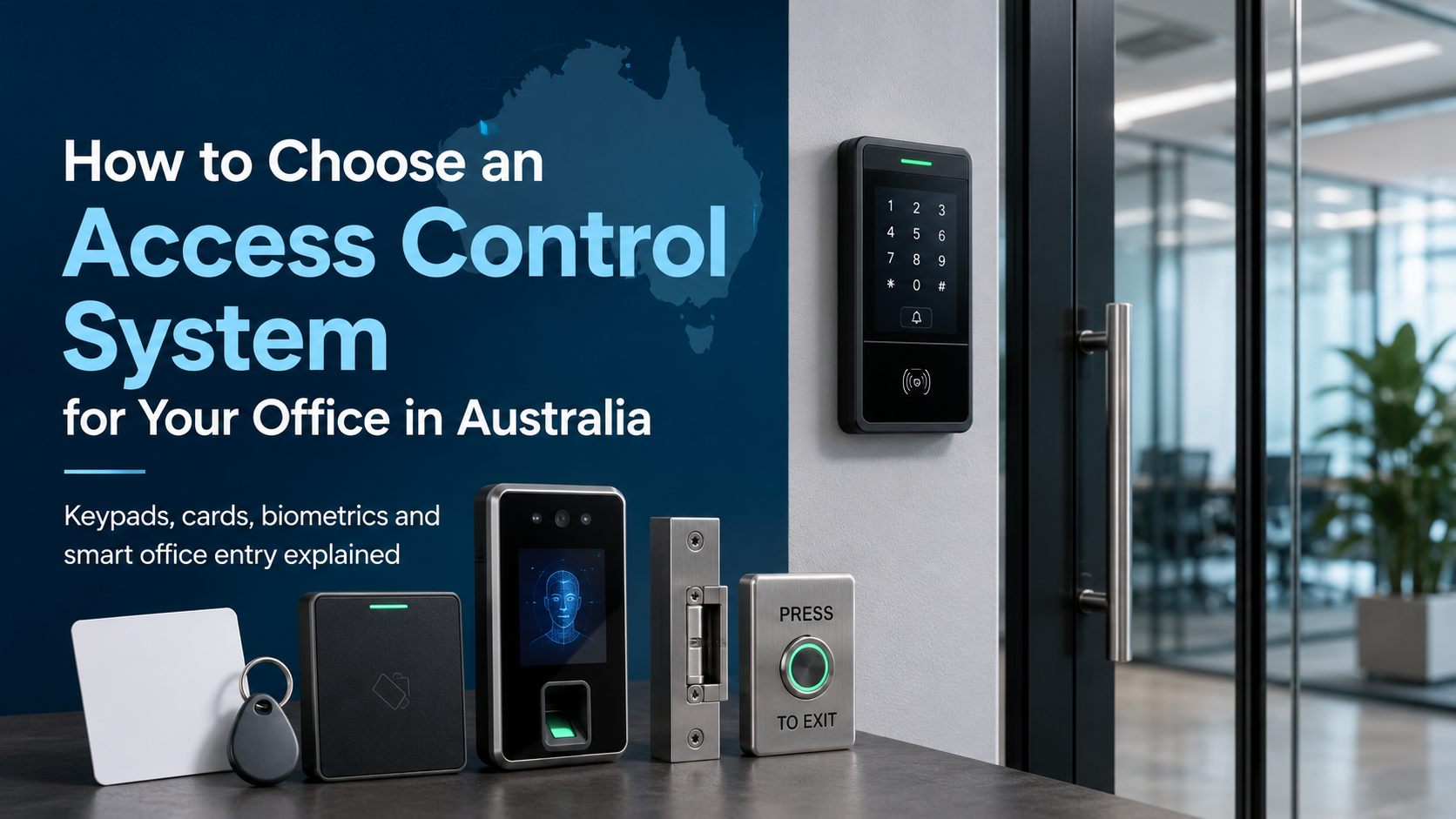
Keys get copied. People forget to return them. Someone leaves the company, and three months later you're still not sure if they handed back their set.
If that sounds familiar, you're not alone. It's one of the most common security headaches for Australian business owners, and it's exactly why access control systems exist.
Picking the right one isn't complicated, but it does require knowing what's actually available and what suits your situation. This guide walks you through the four main options: keycards, PIN pads, biometrics, and cloud-based systems. By the end, you'll have a clear picture of what to look for, what to avoid, and which setup makes sense for your office.
What Actually Is an Access Control System?
In plain terms, it's a way to control who can open which doors and when, without using a physical key.
Instead of cutting a new key every time someone joins the team (or chasing down old ones when they leave), you manage everything digitally. A staff member taps a card, enters a PIN, or scans their fingerprint. The system checks whether they're allowed in. If yes, the door unlocks.
That's the basic idea. Where things get interesting is in how different systems handle that process, and how well they hold up when staff numbers change, people move between sites, or someone gets terminated on a Friday afternoon.
For Australian businesses, there's also a practical side to this beyond security. Commercial break-ins are a genuine problem in most capital cities, and the bigger risk that often goes unmentioned is internal access. Former employees, contractors, or casual staff who still have active credentials are a far more common source of security incidents than most owners expect. A good access control system makes revoking that access immediate, not a drawn-out admin task.
Pair it with security camera systems and a solid alarm kit, and you've got a genuinely layered setup rather than just a single point of protection.
The 4 Main Types of Office Access Control Systems
1. Keycard (RFID) Access Control
Walk into almost any medium-sized office in Australia and there's a good chance someone's tapping a card to get through the front door. Keycard systems are the default for a reason: they work, they're practical, and managing them at scale is straightforward.
Each staff member carries a proximity card or key fob with an embedded RFID chip. They tap it against the reader, the system checks the credential, and the door either opens or it doesn't. No PIN to remember, no fingerprint scanner to wrestle with on a Monday morning.
What makes keycards genuinely useful for businesses is how easy it is to make changes. New employee starting today? Activate a card in seconds. Someone resigns? Deactivate their credential from the software before they've left the building. No locksmith required, no re-keying the whole premises.
Where they fall short: A card doesn't know who's holding it. If someone loses theirs or lends it to a mate, the system has no way of flagging that. Cloning is also a real concern with older 125kHz cards. Anyone with a cheap reader from eBay can copy them in under a minute. If you're buying new hardware, stick with 13.56MHz cards (Mifare or HID iClass). They're meaningfully harder to clone.
Best for: General offices, buildings with multiple entry points, any business where staff numbers fluctuate regularly.
Installer tip: Don't cheap out on the cards themselves. The reader hardware is the expensive part; the cards are a few dollars each. Buying low-quality cards that can be easily duplicated defeats the point of having the system.
2. PIN Pad Access Control
PIN systems are the simplest option and, in the right context, completely adequate. There's no card to issue, no fob to lose, and the hardware is cheap.
Someone walks up, types their code, and they're in. That's it.
The problem is that PIN systems tend to get lazier over time. Most small offices start with individual codes per person, then someone decides it's easier to just use one shared code "for now", and that's where things unravel. Shared PINs mean no audit trail. If something goes missing or an incident happens, you have no idea who was last through that door.
The other issue is turnover. When a staff member leaves, you need to either change the shared code (and tell everyone) or deactivate their individual PIN. Neither is difficult, but it's something a lot of businesses simply forget to do.
Where they work well: PIN pads are genuinely useful as a second factor alongside a card reader, as entry controls for server rooms or storerooms with limited staff access, or for small teams where everyone knows each other and turnover is low.
Best for: Single-door applications, back-of-house rooms, small offices with five or fewer staff.
Installer tip: If the system supports individual PINs per user, use them. Every single time. It adds maybe two minutes per onboarding and makes everything cleaner when someone leaves.
3. Biometric Access Control
Biometrics get a lot of attention, and the appeal is obvious: you can't forget your fingerprint, lose your iris, or lend your face to a colleague. The credential is the person.
That makes biometric systems genuinely difficult to fool, which is why they turn up in places where accountability really matters: pharmaceutical storage, data centres, financial services offices, government buildings. In those environments, knowing exactly who opened a door at 11pm on a Wednesday isn't just useful, it's often a compliance requirement.
Fingerprint readers are the most common type in Australian commercial settings. Facial recognition is growing, particularly in environments where hands are frequently dirty or wet: construction sites, food processing facilities, labs. Iris scanning exists but is mostly overkill for anything short of a high-security installation.
The honest downsides: Biometric hardware costs more. Not prohibitively, but noticeably. Fingerprint readers also have a frustrating habit of failing on tradespeople, healthcare workers, or anyone whose hands take a beating at work. Dry skin, cuts, and callouses all reduce accuracy. Enrolment takes longer than handing out a card, which matters when you're onboarding a large team.
There's also the privacy angle. Under the Australian Privacy Act 1988, biometric data is classified as sensitive personal information. You need a clear policy for how it's collected, stored, and deleted. If you're operating in Victoria or NSW, check the relevant workplace surveillance legislation too. It's worth a conversation with your legal advisor before you commit.
Best for: Server rooms, pharmaceutical or chemical storage, financial offices, healthcare facilities, and any space where individual accountability is non-negotiable.
Installer tip: For outdoor readers (loading docks, external entries), facial recognition is more reliable than fingerprint in Australian weather. A fingerprint reader mounted in direct Queensland sun tends to have a short and unhappy life.
4. Cloud-Based Access Control
Ten years ago, if you wanted to manage access control across multiple sites you needed either an IT team or a very patient installer on call. Cloud systems changed that completely.
The setup is straightforward: a small controller is installed at each door, connected to your network. That controller talks to a hosted platform you access through a browser or app. From there you can add or remove users, change access levels, set time-based schedules, and pull entry reports from your desk, your phone, or anywhere with an internet connection.
For single-site businesses, the appeal is mostly about convenience and flexibility. For multi-site operations, it's genuinely transformative. Onboarding a new staff member across a ten-location retail chain used to mean someone physically visiting each site or maintaining complex server infrastructure. Now it's a few clicks.
The subscription question: Cloud systems run on ongoing fees, which some business owners push back on. It's a fair concern, but worth putting in context. What you're paying for includes automatic software updates, remote management capability, and no on-site server to maintain or replace. For most SMEs, the total cost of ownership is lower than a traditional on-prem system when you factor in IT support and hardware refresh cycles.
One thing to check: Where does your provider host the data? Some cloud platforms use overseas servers, which creates data sovereignty issues for Australian businesses handling sensitive personnel information. Ask the question upfront.
Best for: Multi-site businesses, remote or frequently travelling managers, growing teams, coworking spaces, and any office that wants flexibility without infrastructure overhead.
Installer tip: Most cloud systems have a local offline mode: credentials are cached on the controller so doors keep working if the internet drops. Confirm this before you sign up. It's standard on reputable platforms but not universal.
Shop Electric Locking Products
Explore electric locking products for secure access control installations, including electric strikes, magnetic locks, drop bolts, door locks, and related locking accessories for Australian homes and businesses.
View Electric Locking CollectionQuick Comparison: Keycard vs PIN vs Biometric vs Cloud
|
Feature |
Keycard |
PIN Pad |
Biometric |
Cloud-Based |
|
Upfront Cost |
Medium |
Low |
High |
Medium |
|
Ongoing Cost |
Low |
Low |
Low |
Subscription |
|
Ease of Use |
High |
High |
Medium |
High |
|
Security Level |
Medium |
Low–Medium |
High |
Medium–High |
|
Audit Trail |
Yes |
Limited |
Yes |
Yes (real-time) |
|
Remote Management |
No |
No |
No |
Yes |
|
Best For |
General offices |
Small teams |
High-security areas |
Multi-site, flexible |
What to Actually Think About Before You Buy
How many doors, how many people?
This sounds obvious but it shapes everything. A single-door setup for a five-person office is a totally different product to a 15-door system managing 80 staff across three floors. Most hardware is priced per door, so getting your door count right early saves you from scope creep later.
Does it need to talk to your other security gear?
A standalone access control system does its job. One that's integrated with your PoE cameras and alarm system does a better one. When a door is forced open at 2am, you want your camera to start recording automatically, not rely on someone noticing a log entry the next morning. If you're already running CCTV, look for access control hardware that sits within the same ecosystem.
Will you outgrow it?
Some entry-level systems hit a hard ceiling at 50 users or four doors. If you're planning to grow, buy for where you'll be in three years, not where you are today. Cloud platforms handle scaling more gracefully than most on-premises systems.
DIY or professional install?
Low-voltage wiring, electric strikes, and magnetic locks aren't really DIY territory unless you have a background in it. Factor in installation costs from the start, especially if you're retrofitting older door hardware. It's the part of the budget that most commonly gets underestimated.
Which System Suits Your Business?
Small office, up to 15 staff: A cloud-connected keycard reader on the front door is usually enough. Keep it simple. You don't need a complex system to manage a small team, and you definitely don't need a dedicated IT setup to run it.
Medium business, 15–100 staff: A networked keycard system with separate zones makes sense here. Front door, server room, boardroom, and storeroom all on different access levels means staff only get into the areas relevant to their role.
Large or multi-site business: Cloud management is the practical choice. The ability to handle access centrally across multiple locations, with real-time visibility and remote control, is worth the subscription. Look for a system that supports both mobile credentials and physical cards so you're not forcing everyone into one workflow.
Warehouse or industrial site: Ruggedised hardware is non-negotiable. Standard office readers won't survive a dusty warehouse environment for long. Biometric readers are worth considering here specifically because cards and fobs have a way of going missing in busy operational environments. Vehicle access is a separate brief entirely. Boom gates and loop detectors are their own product category.
Mistakes That Come Up More Than They Should
Forgetting to deactivate credentials when staff leave. This is probably the most common access control failure in small businesses. It's not malicious, just overlooked. Build it into your offboarding checklist and make it someone's explicit responsibility. With cloud systems, you can tie it to your HR workflow so it happens automatically.
Running a single shared PIN across the whole office. The moment you do this, your audit trail is useless. If something goes wrong, you have no idea who was last through that door. Individual credentials take two extra minutes to set up and are worth every one of them.
Installing readers but no cameras. The access log tells you that credential #47 opened the server room at 11:43pm. A security camera tells you who was actually holding it. You need both.
Ignoring egress requirements. Australian building codes are clear: fire exits need to be available without restriction in an emergency. Any access-controlled door on a designated egress route must have a fail-safe electric lock that releases automatically on power failure or fire alarm activation. Non-compliance isn't just a safety risk, it's a liability issue. Confirm this with your installer before the job is signed off.
Buying the cheapest reader without checking the ecosystem. Budget hardware often locks you into a proprietary system with no upgrade path. Check whether the readers you're buying today are compatible with additional doors, additional sites, and future software versions before committing.
FAQs: Access Control Systems for Australian Offices
How much does an office access control system cost in Australia?
A single-door keycard or PIN system, professionally installed, typically runs from $500 to $1,500 depending on the hardware and door type. Multi-door commercial systems with cloud management sit in the $5,000 to $20,000+ range. Get at least two or three quotes, and make sure installation is included in the scope, as hardware costs alone are only part of the picture.
Do I need a licensed installer for access control?
For anything involving electric locks, low-voltage cabling, or integration with fire or alarm systems, yes. Licensing requirements vary by state: NSW, Victoria, Queensland, and WA each have their own rules. Your installer should be able to confirm their licensing upfront. If they can't, that's worth noting.
Can access control integrate with my existing CCTV?
Most modern systems can, yes. Door events can trigger camera recordings or push alerts through your monitoring platform. It's worth asking about compatibility during the quoting stage rather than assuming it works out of the box. Browse our range of security camera systems if you're building or expanding your CCTV setup at the same time.
What's the most secure option for a small office?
For most small offices, a cloud-connected keycard system with individual credentials is the right call. It's secure enough for day-to-day commercial use and far easier to manage than biometrics at that scale. If you have one specific high-security area (a server room, a medication storage cabinet, a safe room), biometrics on that single door is a sensible addition without needing to overhaul everything else.
Is biometric access control legal in Australia?
Yes. But it comes with real obligations under the Privacy Act 1988. Biometric data is sensitive personal information, which means stricter rules around collection, storage, and deletion. You need a privacy policy that covers it, and you need a process for deleting data when someone leaves. Some states have additional workplace surveillance legislation on top of that. Get advice before you roll it out.
What happens if the internet goes down?
Reputable cloud systems cache credentials locally on the door controller, so access keeps working normally during an outage. Changes you make remotely won't sync until connectivity is restored, which is worth building a procedure around. If reliable internet is a genuine concern at your site, ask your supplier specifically how the system handles extended outages before signing anything.
Can one system manage my office and warehouse?
Generally yes. Most commercial platforms let you run different reader types across different zones from the same dashboard. Standard readers on office doors, weatherproof or ruggedised readers on the warehouse floor, all feeding into one access management system. The key is making sure the controller and software you choose supports the range of reader types you need.
Conclusion
Access control doesn't have to be complicated. For most Australian offices, the choice comes down to how many doors you're managing, how often your team changes, and how much remote control you need.
Keycards remain the practical workhorse for general commercial use. Cloud platforms add flexibility that pays off quickly if you're managing multiple sites or a fast-moving team. Biometrics are worth it for specific high-security areas, not necessarily the whole building. And PIN pads, used correctly with individual codes, are still a reasonable option for low-traffic secondary access points.
Whatever you choose, pair it with a decent camera system and alarm setup, and get the egress compliance sorted from day one. The security value of access control multiplies significantly when it's part of a broader setup rather than a standalone product.
Browse our range of security camera systems, alarm kits, and CCTV accessories at CCTV Importers Australia, or get in touch and we'll help you work out the right setup for your premises.


