
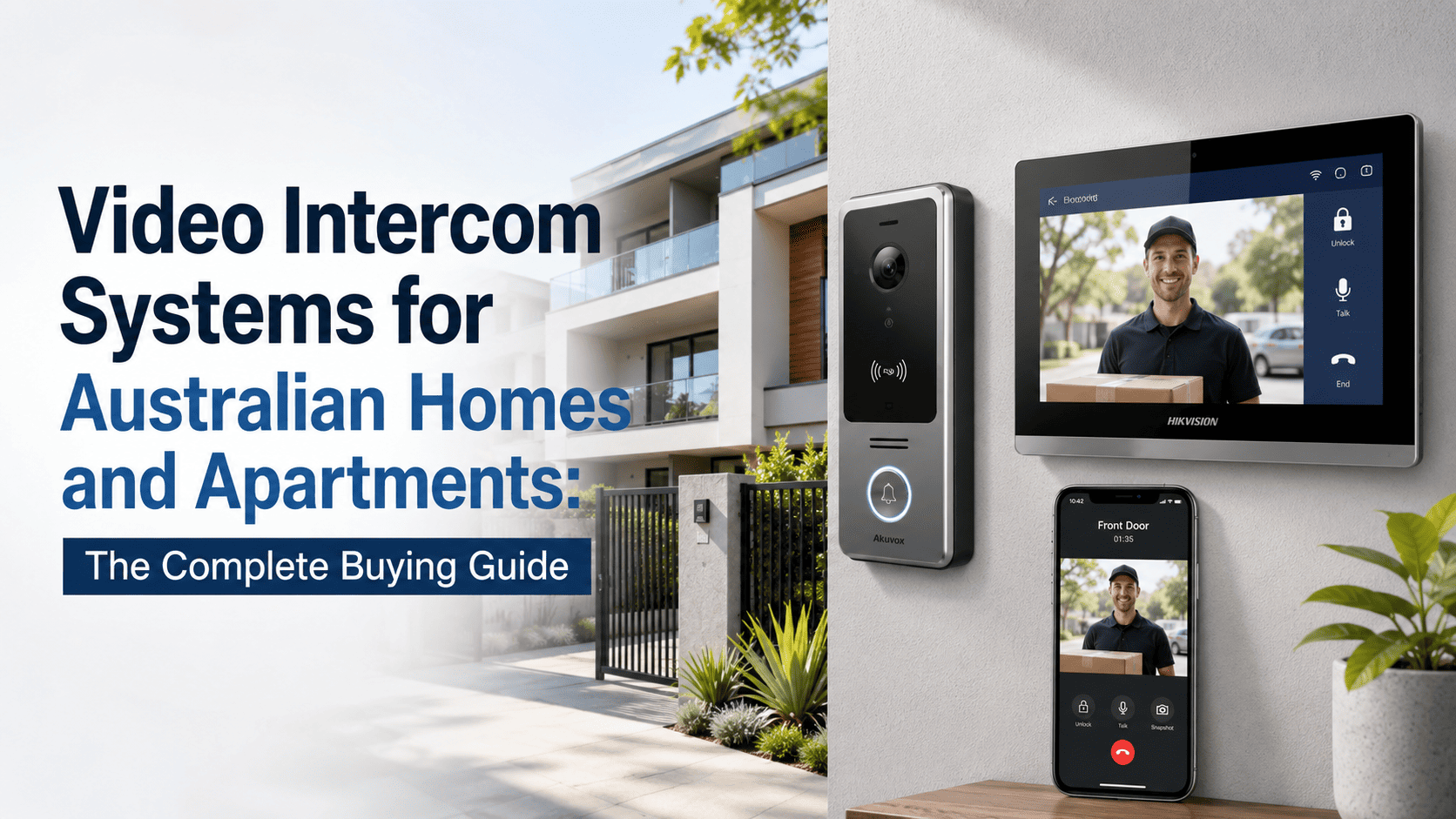
A courier at the door, a stranger buzzing the apartment intercom late at night, a parcel left on the step because nobody answered in time. Video intercoms have gone from a nice extra to close to a default expectation on new builds and renovations, and the range of options on the market has grown just as fast.
This guide works through the real decisions: wired or wireless, a hardware monitor or an app-based system, and what changes once you are looking at an apartment block rather than a standalone house.
|
TL;DR Video intercoms let you see and speak to a visitor before opening the door, and often trigger an electric door strike or gate remotely. Wired systems are more reliable but need cabling, wireless suits retrofits and renters, and app-based systems let you answer from anywhere while standalone monitors keep things simple for a fixed household. Apartment and body corporate setups need multi-tenant hardware, not a standard single-house kit. |
Why video intercoms have become close to standard in 2026
Parcel theft is a genuine and rising concern for Australian homeowners, and a video intercom lets you verify a delivery driver, tell them where to leave a package, or simply confirm who is at the door before it is opened at all. Apartment living has pushed this further, since a body corporate wants a way to manage visitor access for dozens of units without a resident having to physically walk down to a shared entrance for every knock.
For tradies and delivery-heavy households, being able to see and speak to whoever is at the door from a phone, regardless of where you actually are, has shifted from convenience to something people now expect as standard on a new install.
How a video intercom system actually works
At its simplest, a video intercom has two halves: a door station, mounted outside with a camera, microphone, speaker, and call button, and an indoor unit, either a dedicated wall-mounted monitor or a mobile app, that rings when someone presses the button. Many systems also wire into a relay that can trigger an electric door strike or gate motor, letting you unlock the door remotely without walking to it.
Older systems ran on 2-wire or 4-wire analog cabling specific to the intercom brand. Current IP-based systems run over standard ethernet and PoE, the same cabling type used for modern security cameras, which is worth knowing if you are planning a new build or major renovation and want to future-proof the cabling in the walls.
Wired vs wireless intercoms
|
Wired intercom |
Wireless intercom |
|
|---|---|---|
|
Reliability |
Very high, no signal drop-outs |
Good, but dependent on Wi-Fi signal strength |
|
Installation |
Needs cable run, best at build or major reno stage |
Simple retrofit, no cabling required |
|
Best for |
New builds, owners planning to stay long-term |
Renters, retrofits, properties where cabling is impractical |
|
Typical cost |
Slightly higher including install labour |
Lower upfront, may need app subscription on some models |
If you are renovating or building and can run cable before walls close up, wired is worth the extra effort for the reliability alone. For an existing home where pulling new cable is a genuine hassle, a quality wireless system is a perfectly sound compromise.
Shop Video Intercom Systems
Explore video intercom systems for Australian homes, apartments, offices, and commercial buildings, including door stations, indoor monitors, access control options, and complete intercom kits.
Standalone monitor vs app-based systems
Aiphone built its reputation on straightforward, dedicated hardware monitors, a fixed wall unit inside the home that rings and shows video when someone is at the door. It is simple, reliable, and does not depend on internet connectivity to work day to day, which some households genuinely prefer.
Hikvision and Dahua intercom systems lean the other way, integrating with their Hik-Connect and gDMSS apps so you can answer the door from your phone whether you are in the next room or on the other side of the world. This is the better fit for anyone who wants to answer deliveries while at work, or who simply prefers managing everything through one app alongside their security cameras.
Neither approach is objectively better. It comes down to whether you want the simplicity of a fixed indoor unit or the flexibility of answering from anywhere on a phone.
Single dwelling vs apartment and multi-unit intercoms
A standard house intercom kit assumes one door station and one or two indoor units. Apartment blocks and body corporates need something built for multiple tenants, with individual call buttons per unit, integration with building access control, and sometimes lift control so a visitor can only reach the floor they have been let onto.
Brands like Akuvox and Golmar specialise in this multi-tenant hardware, offering panels that list every unit by number or name with a scrollable directory, rather than the single call button a house-style intercom uses. If you are speccing an intercom for a body corporate or multi-unit development, this is a different product category to a standard residential kit, not just a bigger version of the same thing.
Pairing a video intercom with electric locking
Most video intercoms can wire into a relay that triggers an electric door strike, maglock, or gate motor, letting you buzz someone in remotely rather than only being able to see and speak to them. This is a common and worthwhile pairing, but it is worth budgeting the strike or lock hardware as a separate line item, since it does not automatically come bundled with an intercom kit.
Choosing between brands
-
Aiphone: simple, reliable, dedicated hardware monitors, a solid pick for households wanting a straightforward system without relying on an app.
-
Hikvision and Dahua: feature-rich, app-integrated systems that pair naturally with an existing camera and NVR setup from the same brand.
-
Akuvox and similar commercial-grade brands: SIP-based systems built for multi-tenant apartment blocks, body corporates, and commercial front-of-house use.
Installation considerations
IP-based video intercoms almost always need a PoE switch to power the door station and indoor unit properly, particularly on larger installs with multiple call points.
Our guide on why POE intercom systems need a PoE switch covers this in more detail if you are speccing a job.
For any renovation or new build, running the intercom cable at the same time as CCTV and network cabling saves a separate trip later. Retrofitting an intercom into an existing home without disturbing finished walls is exactly where a wireless system earns its higher price relative to its features.
Common mistakes to avoid
-
Buying an indoor monitor too small for an elderly resident to comfortably see, particularly in a household where vision is a consideration.
-
Assuming an existing doorbell wire is compatible with a new video intercom without checking voltage and wiring type first.
-
Forgetting to budget the electric door strike or maglock hardware separately from the intercom kit itself.
-
Installing a single-house style intercom in a multi-unit building, then discovering it cannot handle multiple tenant call buttons.
Buying guide by scenario
|
Scenario |
Recommended approach |
|---|---|
|
Renter |
Wireless kit, no cabling required, easily removed when moving out |
|
Homeowner, standalone house |
Wired IP intercom with app integration, paired with existing camera brand where possible |
|
Apartment or body corporate |
Multi-tenant SIP-based system with per-unit call buttons and lift integration |
|
Small business front counter |
App-based system for remote answering, paired with an electric strike for staff-only access |
Browse our Aiphone intercom kits, Dahua intercom systems, or the full intercom and door station range to compare current options for your property.
Frequently asked questions
Do I need a wired connection for a video intercom or can it be wireless?
Both options exist. Wired systems are more reliable and better suited to new builds or major renovations, while wireless systems are a simpler retrofit and better suited to renters or existing homes where running new cable is impractical.
Can I answer my intercom on my phone?
Yes, app-based systems from Hikvision, Dahua, and similar brands let you answer and view your door station from anywhere with internet access. Standalone hardware-monitor systems like traditional Aiphone setups are answered from the indoor unit itself.
What's the difference between a video doorbell and a video intercom?
A video doorbell is generally a simpler, single-purpose device focused on the front door alert. A video intercom system is more configurable, often supports multiple call points, integrates with electric locking or gate control, and in multi-tenant buildings can handle dozens of individual units.
Do I need an electrician to install a video intercom?
Wired systems, particularly anything involving mains power or integration with an electric door strike, generally need a licensed electrician or security installer. Battery or plug-in wireless kits can often be installed without one, though check the specific product's requirements.
Can a video intercom control my front gate as well as the door?
Yes, most video intercom systems can wire into a relay to trigger a gate motor in the same way they trigger an electric door strike, though this needs to be planned and wired as part of the install.
Do apartment buildings need a different type of intercom system?
Yes. Multi-tenant buildings need SIP-based systems built for multiple unit call buttons and often lift or building access integration, which is a different product category to a standard single-house intercom kit.


