
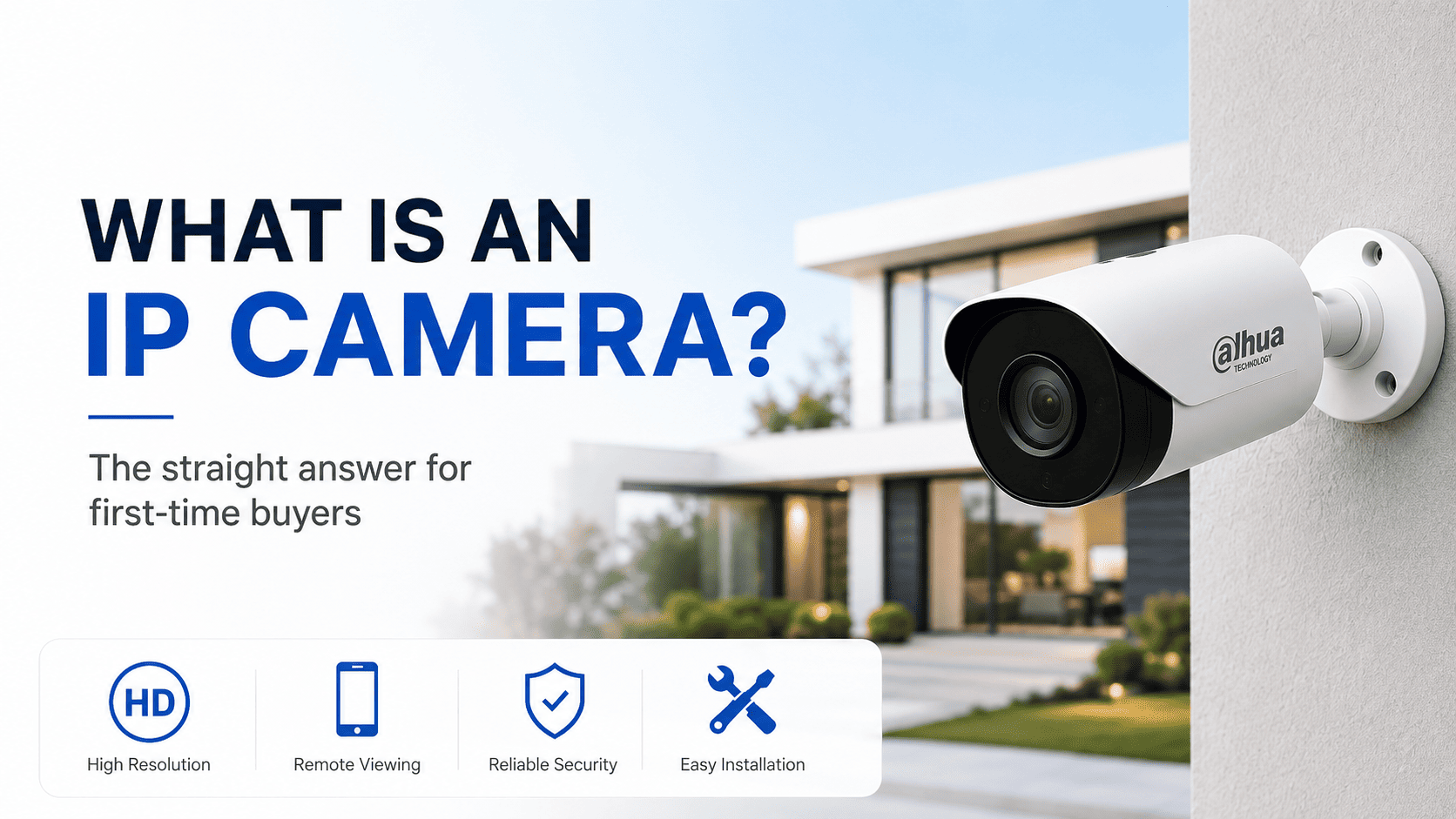
Replacing an old analog CCTV system, or buying a security camera for the first time, and every listing keeps using the term IP camera without ever explaining it. It is a fair gap to fill before spending any money, because it changes what cabling you need and what the camera can actually do.
|
TL;DR An IP camera is a network camera with its own onboard computer. It compresses its own video and sends it as digital data over a network cable, rather than sending a raw analog signal down old-style coax like traditional CCTV did. That difference is why IP cameras support higher resolution, smarter detection, and simpler cabling than analog systems. |
IP camera, in plain English
Every IP camera has its own small processor built in. Instead of just capturing an image and pushing it out as a raw analog signal the way older CCTV cameras did, an IP camera digitises and compresses the footage itself, then sends that data over a standard network cable, exactly the same kind of cable your router or a computer uses. That is the IP in IP camera, short for internet protocol, the same networking standard the internet itself runs on.
This matters practically because it means an IP camera is, functionally, a small networked computer with a lens attached, not just a passive eye feeding a signal back to a recorder.
IP camera vs analog CCTV at a glance
|
IP camera |
Analog (CVI / TVI / AHD) |
|
|---|---|---|
|
Cabling |
Ethernet, single cable for power and data via PoE |
Coax for video, separate power cable |
|
Typical resolution ceiling |
4MP to 8MP and higher |
Usually capped around 2MP to 5MP depending on standard |
|
Smart detection |
Strong, AI-based person and vehicle detection common |
Basic motion detection only |
|
Night vision options |
Wide range including colour night vision |
More limited, mostly standard infrared |
|
Typical cost today |
Comparable or better value given resolution and features |
Cheaper only where old coax cabling is being reused |
For a new install with no existing cabling to reuse, IP cameras are the clear default choice in 2026. Analog only makes sense where a property already has coax runs in the walls and repulling cable is impractical.
How one cable carries both power and data
Most IP cameras use PoE, or power over ethernet, which sends electrical power down the same cable as the video data. This is the reason a professional IP camera install usually only needs a single cable run per camera, rather than a separate power cable alongside a data cable, cutting installation time and mess significantly compared with older wiring standards.
What the resolution numbers actually mean for usable footage
A 2MP camera is fine for general coverage but starts to struggle if you need to identify a face or number plate from more than a few metres away. Moving up to 4MP gives noticeably more usable detail at the same distance, and 8MP, sometimes marketed as 4K, gives enough resolution to crop into footage after the fact and still make out useful detail, which matters a great deal if footage ever needs to support a police report or insurance claim.
A practical installer rule of thumb: match resolution to how far the camera needs to identify detail, not just how far it needs to see. A camera can see a person from fifty metres away at almost any resolution. Whether you can identify who that person is depends heavily on resolution and lens quality.
Shop IP Camera Kits by Brand
Ready to build an IP camera system? Compare complete IP CCTV kits from Dahua, Hikvision, Uniview, and Wisenet for homes, shops, offices, warehouses, and commercial properties.
Dahua IP CCTV Kits
Explore Dahua IP camera kits for reliable surveillance, smart detection, and complete NVR-based security setups.
View Dahua KitsHikvision CCTV Kits
Browse Hikvision IP CCTV kits for clear camera coverage, remote viewing, and practical home or business security.
View Hikvision KitsUniview IP Camera Kits
Shop Uniview IP camera kits for network CCTV installations across entrances, outdoor areas, and general property monitoring.
View Uniview KitsWisenet IP Camera Kits
Explore Wisenet IP CCTV options for professional surveillance, reliable recording, and business-grade security systems.
View Wisenet KitsWired IP vs Wi-Fi IP cameras
A wired IP camera on a PoE cable run is the more reliable option, since it is not dependent on Wi-Fi signal strength or interference, and does not add load to a home network already juggling streaming devices and other smart home gear. A Wi-Fi IP camera trades some of that reliability for a much simpler retrofit install, particularly useful for renters or anywhere running new cable is impractical.
In Australian homes specifically, router placement and typical building materials like brick and besser block can weaken Wi-Fi signal to an outdoor camera at the far end of a property, which is worth factoring in before committing to an all-wireless setup on a larger block.
What to check before buying an IP camera
-
ONVIF compatibility, if you plan to mix camera and NVR brands, since this is the standard that lets different manufacturers talk to each other.
-
An IP66 or IP67 weatherproof rating for any camera going outdoors, which covers dust and water ingress protection appropriate for Australian conditions.
-
Night vision type, standard infrared versus colour night vision, since colour night vision needs a small amount of ambient light to work well and is not a like-for-like replacement in pitch darkness.
-
Which app or platform the camera uses, and whether that matches an NVR or system you already own.
Common mistakes first-time buyers make
-
Assuming any IP camera works with any NVR out of the box. Basic viewing usually works via ONVIF, but many smart AI features are brand-locked.
-
Ignoring the PoE power budget on the recorder when buying several higher-draw cameras, such as those with built-in floodlights or long-range infrared.
-
Buying cameras before deciding on storage and NVR channel count, then discovering the recorder cannot actually support what has already been purchased.
Frequently asked questions
Do IP cameras need internet to work?
No, an IP camera only needs a local network connection to record to an NVR and be viewed on-site. Internet access is only required if you want to view footage remotely from a phone away from the property.
Can I mix IP camera brands on one NVR?
Basic live view and recording generally works across brands that support the ONVIF standard, but advanced AI features are frequently locked to matching hardware from the same manufacturer.
What is the difference between an IP camera and a smart Wi-Fi camera like a Ring?
Consumer smart cameras are generally designed around cloud storage and a simplified consumer app, often with an ongoing subscription fee for footage storage. Professional IP cameras paired with an NVR record locally with no subscription, and typically offer higher resolution and more configurable detection features.
Do IP cameras record locally or to the cloud?
Most professional IP cameras paired with an NVR record locally to the NVR's hard drive, with no ongoing subscription required. Some models also support a local SD card as a backup or standalone option.
How long do IP cameras typically last?
A quality IP camera with proper outdoor weatherproofing typically lasts 5 to 8 years or more before image sensor degradation or housing wear becomes noticeable, though this varies with exposure conditions and build quality.


